
This guide explains which cylindrical sublimation blanks may be suitable for a 15oz mug heat mat measuring 150 x 250mm, and what to check before pressing customer orders.
The 15oz mug heat mat is generally used for larger mug-style blanks than a standard 11oz mat, but fit, pressure and coverage should still be checked before production.
A 15oz mug heat mat can suit a range of mug-style sublimation blanks, but fit is not determined by ounce size alone. The item’s diameter, height, handle position, taper, printable area and pressure contact all matter.
Some blanks may physically fit inside other branded heat presses or heat mats, but that does not automatically mean they are supported or recommended for this specific mat.
Products listed in the compatible products section have been measured, matched or grouped for this heat mat size. Always test a new blank before committing to production.
Some items may be usable in other branded heat presses or heat mats, but Print Geek does not recommend or support returns based on products being used outside their tested compatibility. Always check fit, pressure and coverage before production.
The mug or blank needs firm contact across the print area without being too loose or too tight inside the heat mat.
The mat needs to cover enough of the printable area without interfering with the mug handle, lip or base.
Handles can limit how the mug sits in the press, so confirm placement and pressure before heating.
Before you press a customer order, use a test blank or sample item and check the fit carefully. A blank that is too loose, too tight, too tall or poorly positioned may not produce reliable sublimation results.
Mug-style blanks need even heat and pressure across the transfer area. If the mug is too small, the mat may not contact the surface properly. If it is too large, the press may be over-tightened or difficult to close.
Either situation can cause faded prints, ghosting, uneven colour or pressure marks. Test the fit before pressing saleable products.
| Check | Why it matters | Print Geek tip |
|---|---|---|
| Handle position | The handle can limit how the mug is positioned in the press. | Align the transfer seam carefully and make sure the handle is clear of the press mechanism. |
| Pressure | Too much pressure can mark or crack some blanks. Too little pressure can cause faded areas. | Use firm, even contact without forcing the press closed. |
| Transfer alignment | Mug wraps can shift during loading. | Use heat tape carefully and check that the design is straight before closing the press. |
| Taper | Some mugs may have slight taper or shape variation. | Check pressure at the top and bottom before pressing customer orders. |
| Test blanks | Every blank, coating and press can behave slightly differently. | Do a test press and record the working settings for repeat jobs. |
Treat press settings as starting points, not universal rules. Blank coating, transfer paper, artwork coverage, press pressure and room conditions can all affect the final result.
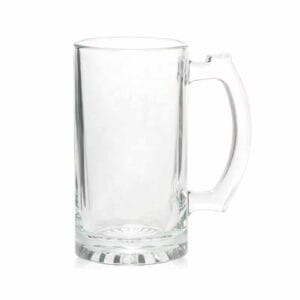
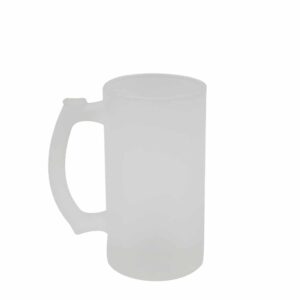
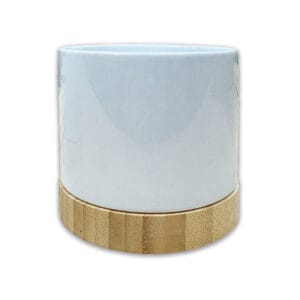
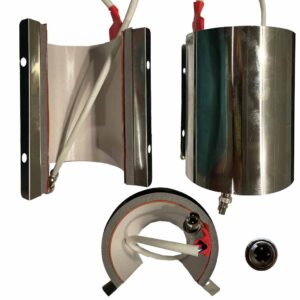
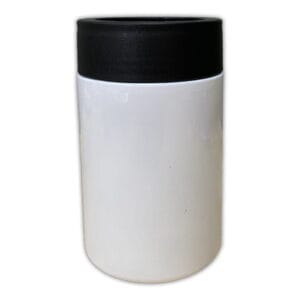
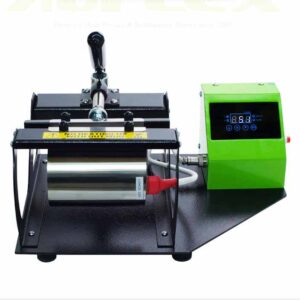
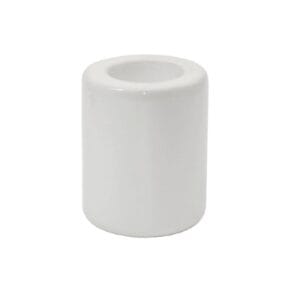
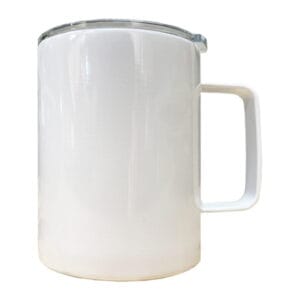
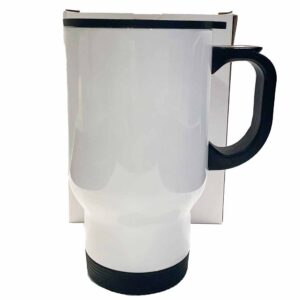
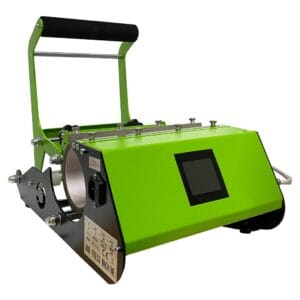
The products below are grouped for the 15oz mug heat mat measuring 150 x 250mm. These items have been measured or matched for this heat mat size, but you should still test fit, pressure and rotation before producing customer orders.
Browse the compatible products assigned to this heat mat size. Product availability, pricing and stock status are controlled by WooCommerce.
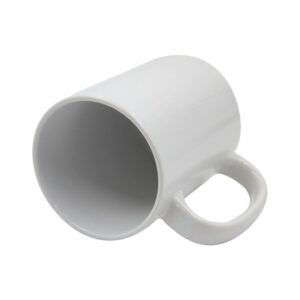

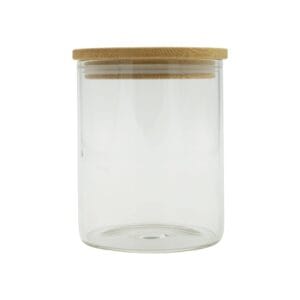
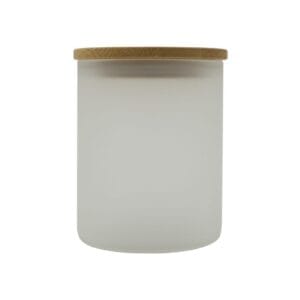
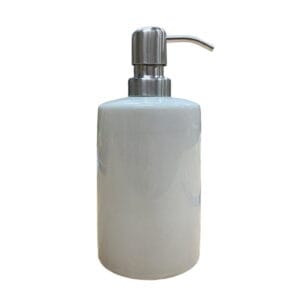


If your blank does not suit the 15oz mug heat mat, compare nearby heat mat sizes and product groups.
These guides can help customers set up artwork and print pages correctly before pressing mugs, tumblers and other sublimation blanks.
This guide refers to a 15oz mug heat mat measuring approximately 150 x 250mm.
Not necessarily. Product names such as 15oz are not enough to guarantee fit. Diameter, height, handle position, taper and printable area all need to be checked.
Usually this is not recommended unless it has been tested. A smaller mug may not receive enough pressure in a larger heat mat, which can cause faded or uneven results.
Some mug-style blanks may need rotation depending on the printable area, mat coverage and press design. Test before customer work.
You can test other products, but Print Geek cannot guarantee compatibility for untested blanks or support returns based on products being used outside their recommended setup.
Check fit, pressure, handle clearance and printable coverage before production. Then use tested compatible products wherever possible for more reliable sublimation results.