Artwork & File Preparation

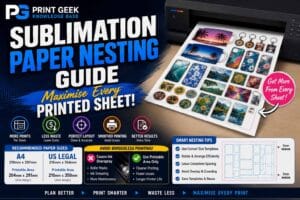
Sublimation Paper Nesting Guide – Maximise Every Printed Sheet
Learn how to nest sublimation artwork, reduce paper waste, arrange designs efficiently, avoid overlap and get more value from every printed sheet.

Learn how to nest sublimation artwork, reduce paper waste, arrange designs efficiently, avoid overlap and get more value from every printed sheet.
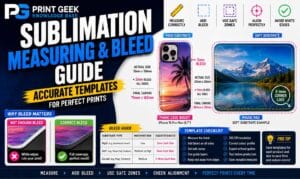
Learn how to measure sublimation blanks, set up artwork size, add bleed, avoid white edges, prepare templates and improve print alignment.
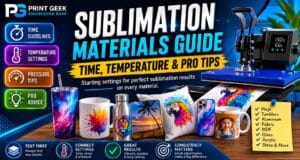
Learn how to maintain a sublimation printer, prevent blocked nozzles, improve print quality, manage ink flow, reduce banding and keep colours consistent.
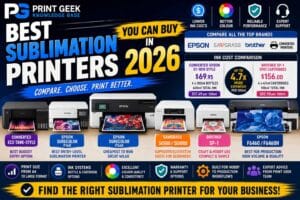
Compare the best sublimation printers for 2026, including converted Epson EcoTank options, Epson SureColor printers, Sawgrass SG500 and SG1000, Brother SP-1 and production sublimation machines.
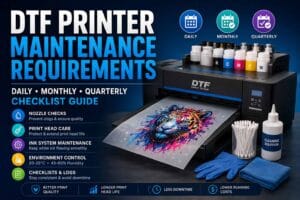
Learn the essential DTF printer maintenance requirements for white ink systems, nozzle checks, print head care, cleaning routines and avoiding common printer issues.
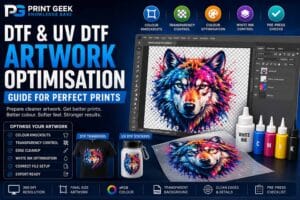
Learn how to prepare DTF and UV DTF artwork for better print results, including file setup, transparency, sizing, bleed, colour, white underbase and fine detail.
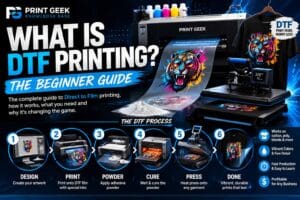
Learn what DTF printing is, how the direct to film process works, what equipment and consumables are used, the benefits and limitations, and whether DTF printing is right for you.
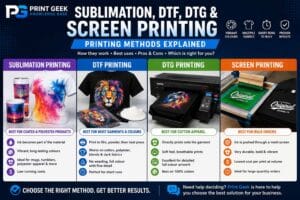
Compare sublimation, DTF, DTG and screen printing, including how each method works, what products they suit, their pros and cons, and which printing method is best for your needs.
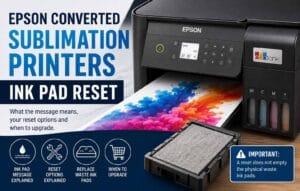

Learn what the Epson ink pad end of service life message means on converted Epson EcoTank sublimation printers, including Epson support options, waste ink pad replacement, WIC reset tools and when it may be better to upgrade to a dedicated sublimation printer.
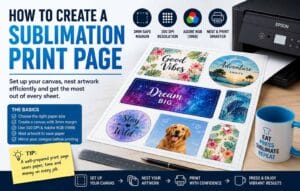

Learn how to create a sublimation print page for A4, US Legal, A3 and larger sublimation paper. This guide explains canvas size, 3mm margins, 300 DPI setup, colour profile choices, nesting artwork and avoiding borderless printing issues.
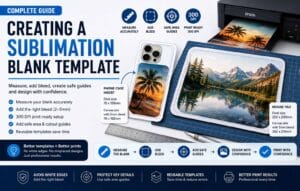
Learn how to create a sublimation blank template by measuring the printable area, adding bleed, setting up a 300 DPI canvas and adding safe guides for phone cases, mouse pads and other sublimation blanks.
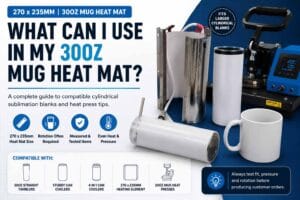
A practical compatibility guide for the 30oz mug heat mat measuring 270 x 235mm. Learn which cylindrical sublimation blanks may fit, why many items need rotation during pressing, and how to check fit before production.