Electric USB Lighter Metal Sublimation Blank Description
📖 What to know about the Electric USB Lighter
Create a personalised cigarette lighter with this great sublimation blank USB charging lighter.

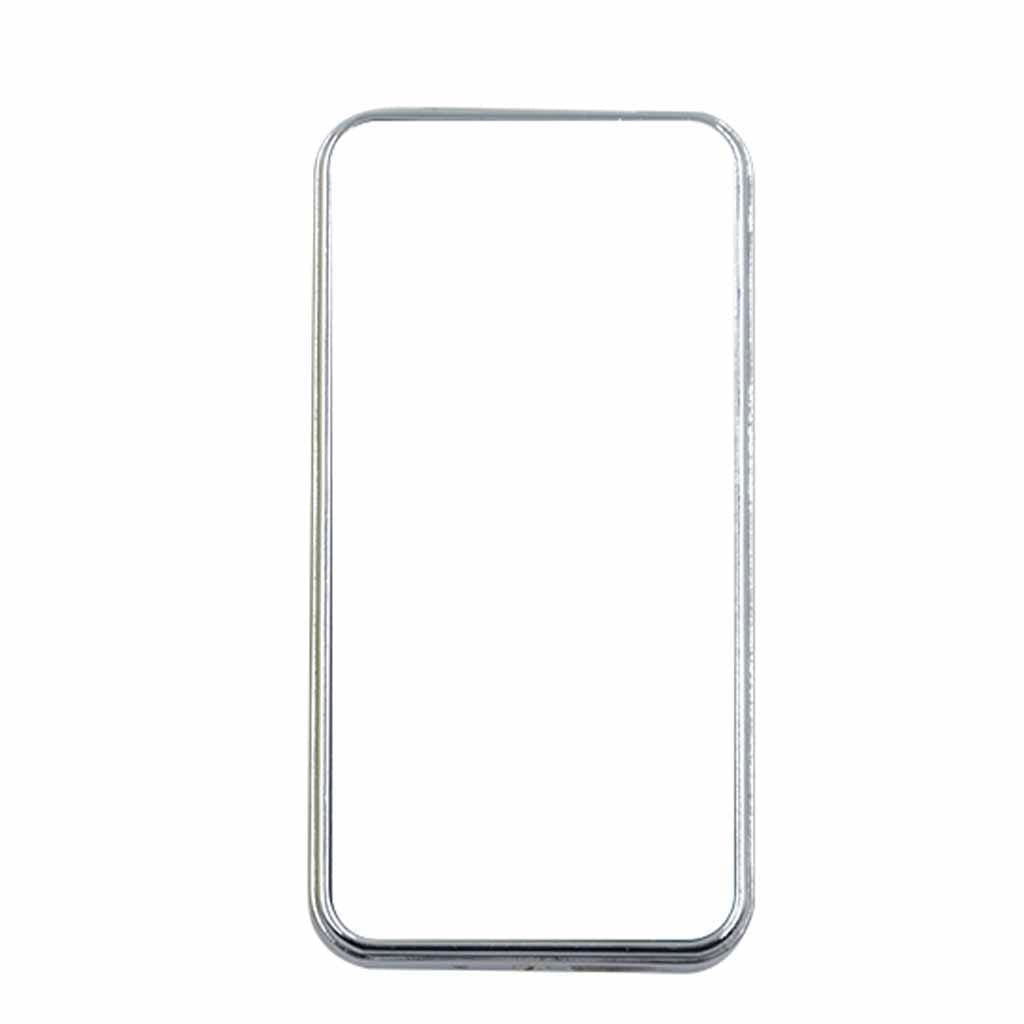
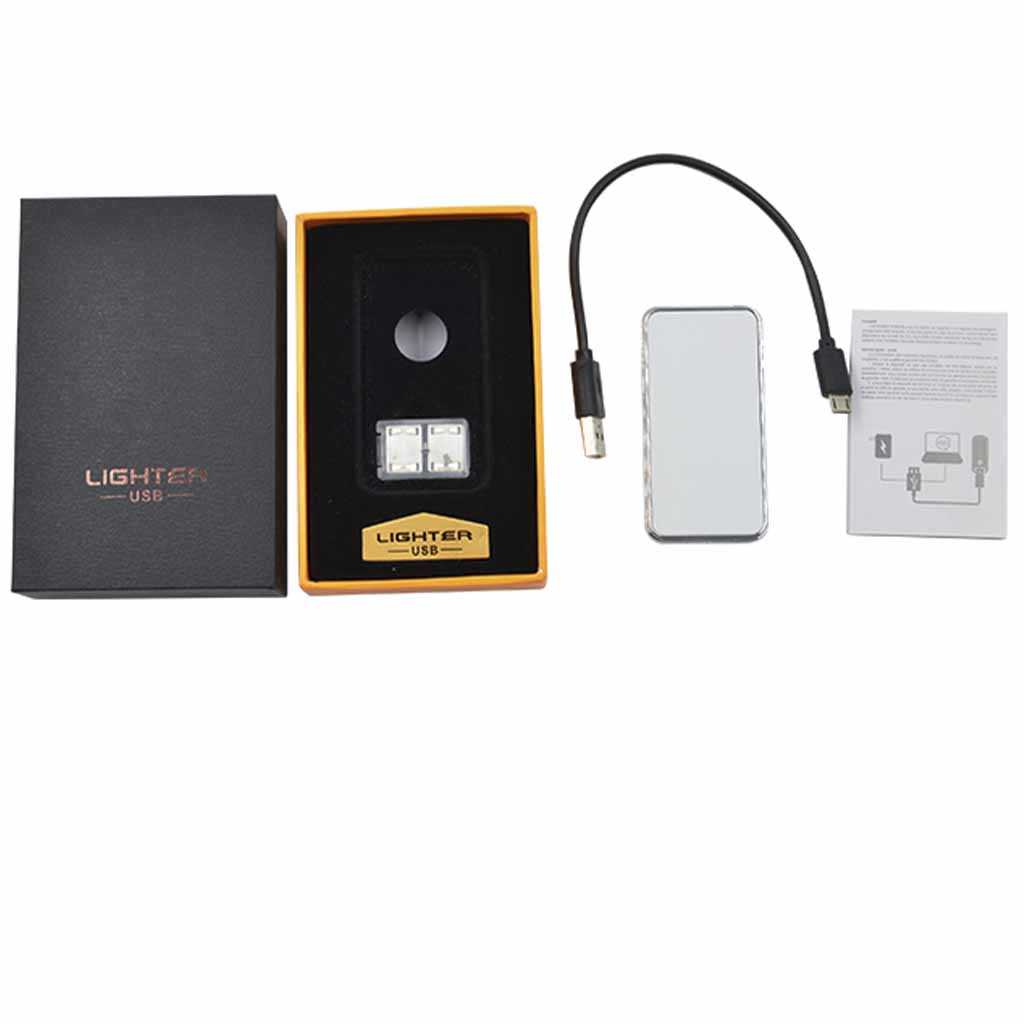
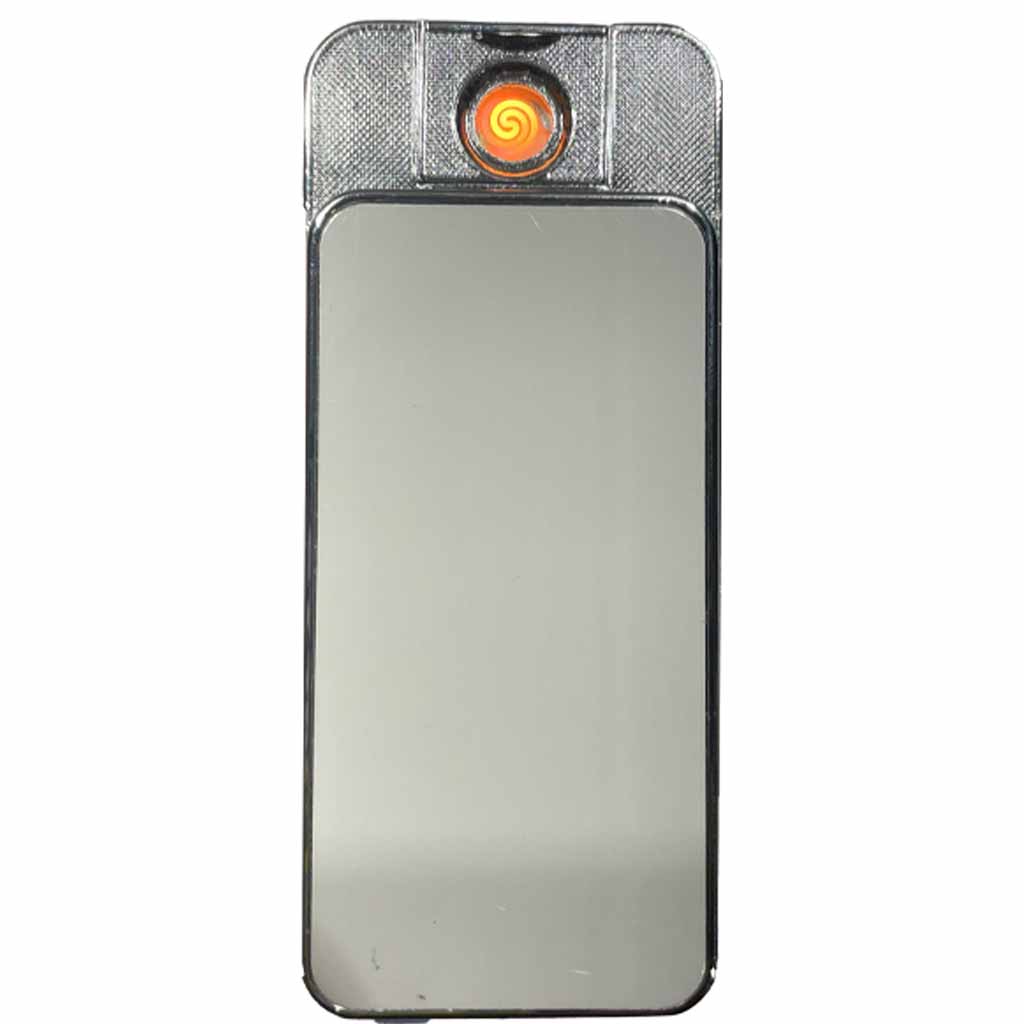
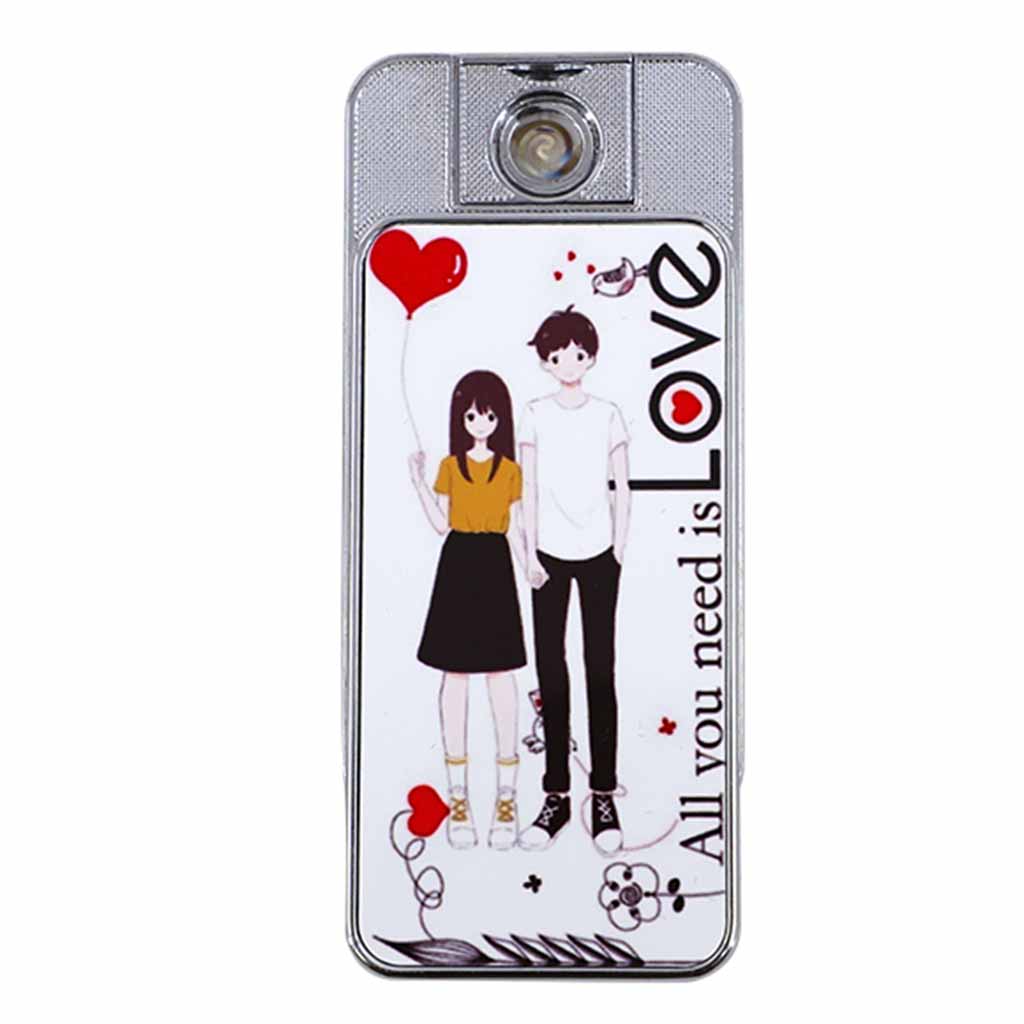
SKU: LPSELB00101
Original price was: $19.95.$12.95Current price is: $12.95.
The Electric USB Lighter is an aluminium gloss finish sublimation blank suitable for flat heat press decoration. Key features include A high-quality smooth surface ensures reliable, repeatable sublimation results every time.
209 in stock
Create a personalised cigarette lighter with this great sublimation blank USB charging lighter.
| Product Length | 7.20 Cm (+/- 5%) |
|---|---|
| Product Width | 3.70 Cm (+/- 5%) |
| Product Height | 0.90 Cm (+/- 5%) |
| Product Weight | 0.08 Kg (+/- 5%) |
| Shipping Length | 12.00 Cm (+/- 5%) |
|---|---|
| Shipping Width | 8.00 Cm (+/- 5%) |
| Shipping Height | 3.00 Cm (+/- 5%) |
| Shipping Weight | 0.16 Kg (+/- 5%) |
| Primary | Silver |
|---|---|
| Secondary | White |
| Primary | Metal |
|---|---|
| Secondary | Electronics |
| Substrate Colour | White |
|---|---|
| Substrate Material | Aluminium |
| Substrate Finish | Gloss |
| Age Range | Adult |
|---|---|
| Adult Product | No |
| Print Area 1 Length | 70.00 mm (+/- 5%) |
|---|---|
| Print Area 1 Width | 34.00 mm (+/- 5%) |
| Bleed Left | 2.00 mm (+/- 5%) |
|---|---|
| Bleed Right | 2.00 mm (+/- 5%) |
| Bleed Top | 2.00 mm (+/- 5%) |
| Bleed Bottom | 2.00 mm (+/- 5%) |
Use this as a starting prompt when creating AI artwork for this item. The pixel sizes are calculated from this product's listed print area and bleed values at 300 DPI.
Important: AI tools may ignore exact sizes, add unwanted text, create mockups or change details. Always check the downloaded final artwork before printing.
| Temperature Min: | 180°C |
|---|---|
| Temperature Max: | 200°C |
| Time Min: | 60 Seconds |
| Time Max: | 80 Seconds |
| Pressure: | High |
No current videos are available for this product.
Subscribe to be notified of new videos as they are released.
While the upmost care is taken with handling items, we do not cover the odd minor blemish which will be covered with a darker print. Please visit the link below in regards to returns or exchanges.
Returns are assessed under our returns policy and Australian Consumer Law where applicable.
Only logged in customers who have purchased this product may leave a review.
Jan N. (verified owner) –
I haven’t used this one yet, but looks like it will be another great sublimation task.
Jaimylee H. (verified owner) –
Mikayla (verified owner) –
Jacinta warrell (verified owner) –
packaged well, quick delivery and the pictures turn put gorgeous.
Anthony Williams (verified owner) –
just what I was looking for, works a treat
Rob Dempsey (verified owner) –
Christine Mailman (verified owner) –
Michelle Rowley (verified owner) –
Great product.
Rebecca Rollings (verified owner) –
Jodie Horsey (verified owner) –
Joanne Matthews (verified owner) –
Kirsty (verified owner) –
Jarrod Packham (verified owner) –
Lisa Smith (verified owner) –
Always supplying great products. I have only had one that wasn’t quite right and after a quick email another was on its way. Thank you guys my customers also love this product.
Raelene Sehl (verified owner) –
These look great
Bettina H. (verified owner) –
Kylie (verified owner) –
Love these, great value, sublimate amazingly
Kylie (verified owner) –
Dannielle Duffield (verified owner) –
Fantastic fast service , great product
Warran Bennett (verified owner) –