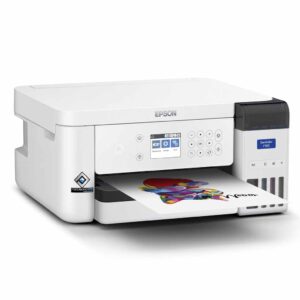
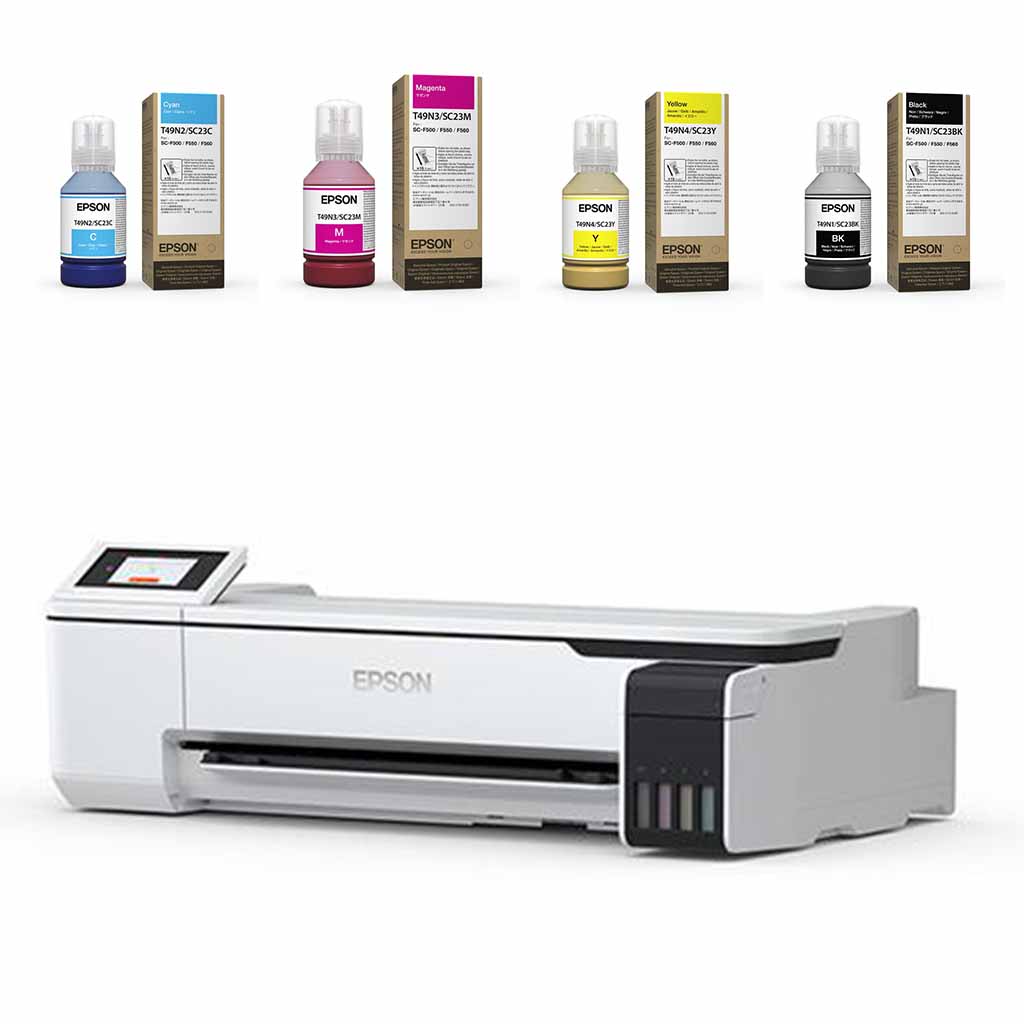
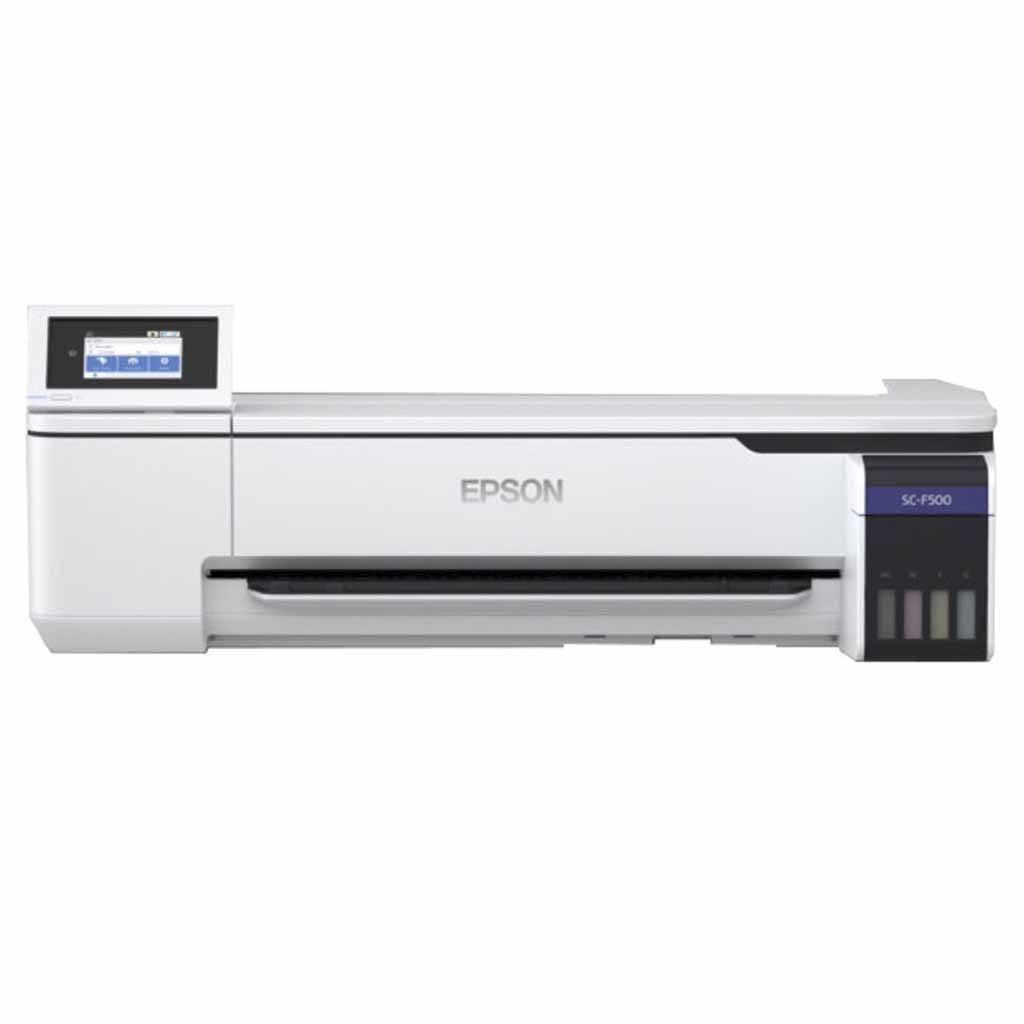
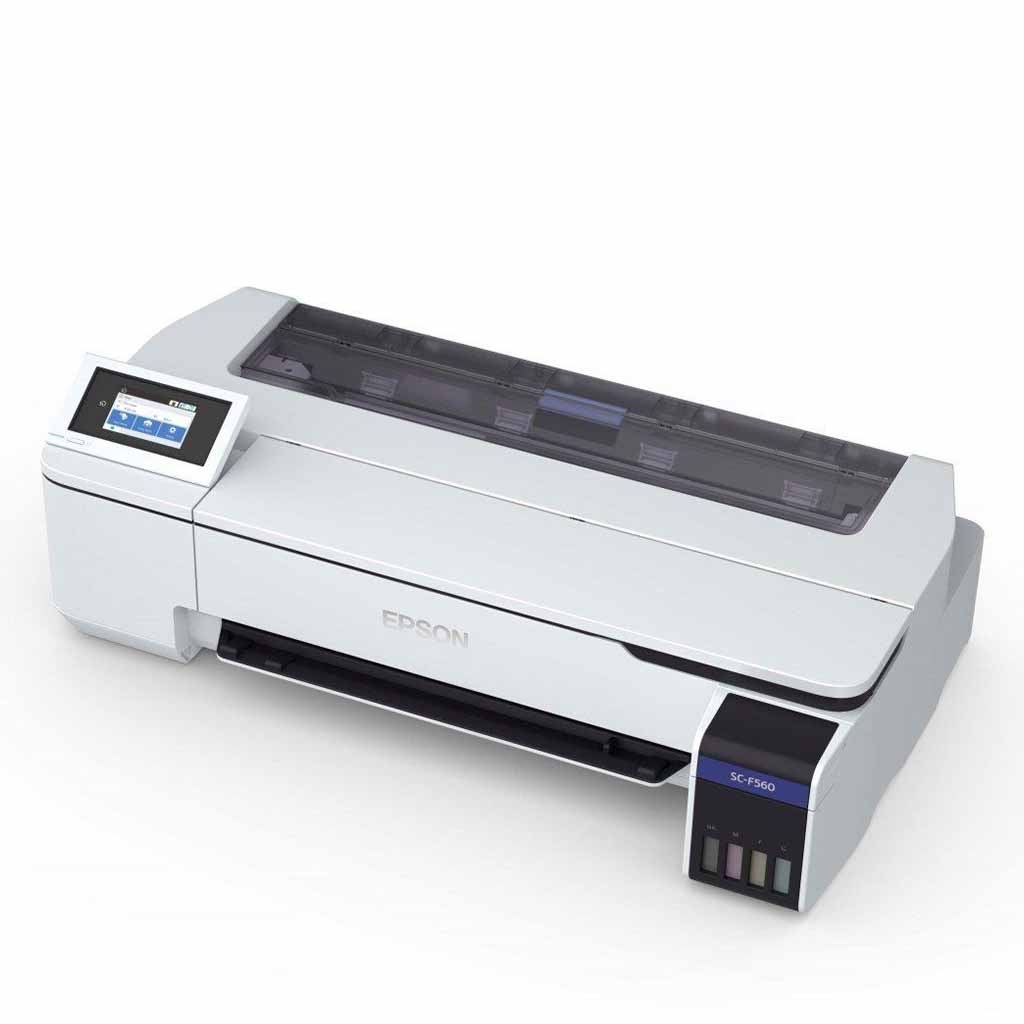
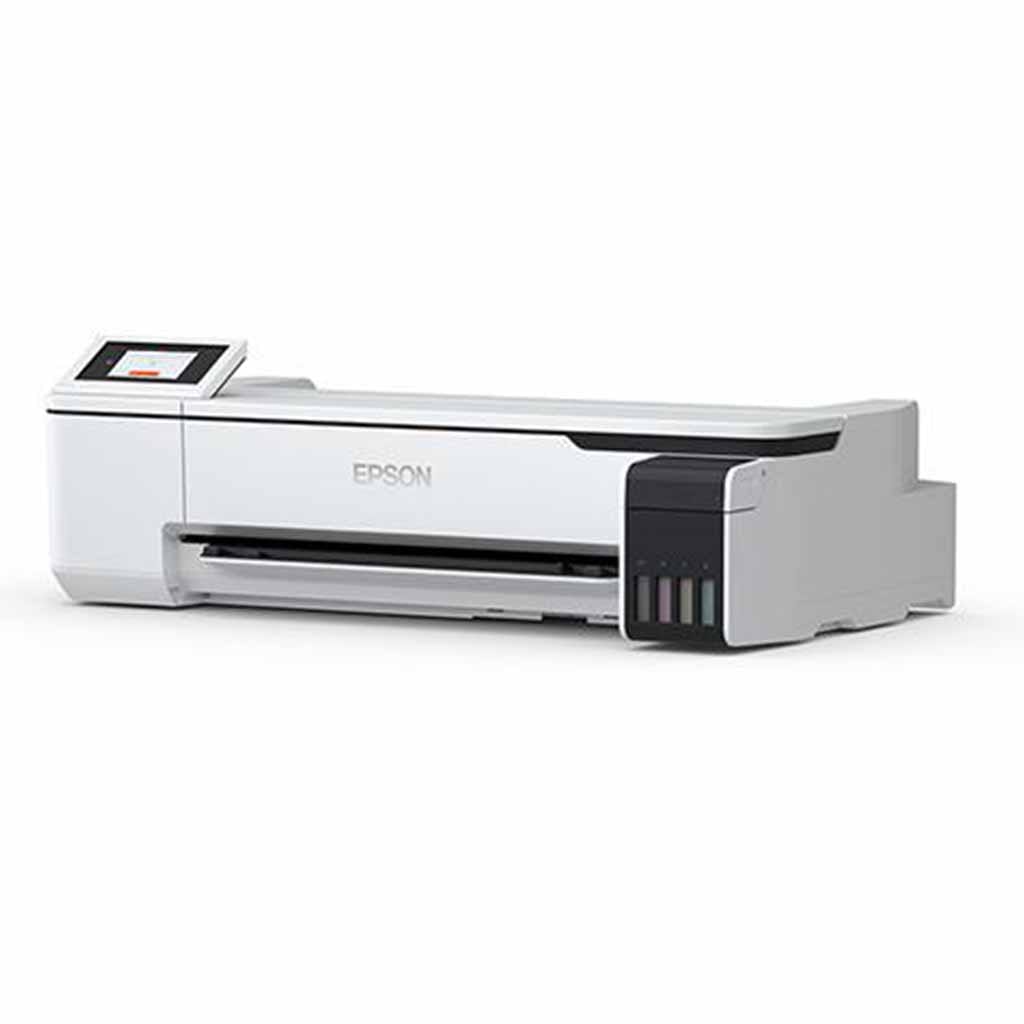
Epson SC F560 Dye Sublimation Printer

Price range: $4,749.00 through $5,195.00

Pound for Pound the best sublimation printer on the market! With reduced cost of roll printing, Epson Edge print software (PC Only), colour profile installs with printer software, plug and play sublimation. You get access to millions of dollars of research that Epson have spent on their commercial printers in a desktop package. Great repeatable results straight out of the box.

Same day dispatch on most orders

  • Get your supplies quickly
  • Order yours before 12pm for same day dispatch
Guaranteed Safe Checkout

📖 What to know about the F560 Sublimation Printer

We are sublimation printers that use Epson F560/F160 daily and are here to support you with installation, tips and assistance. To read more about the Epson SCF160 click here to download the Epson F560 Specifications Sheet. Epson Genuine Dedicated Sublimation printer. Achieve outstanding repeatable picture perfect results with the Genuine Epson Dye Sublimation printers and have low lifetime running costs. Overall lifetime running costs of these printers substantially out ways the overall running costs of any other dye sublimation printer on the market, whether that be a converted Epson desktop printer or a Sawgrass printer, for more information and costs comparisons, F560 Click Here.

Always be in comfortable knowing that you have support, both through sublimation Supplies and Epson on site Cover plus which comes standard with all Epson Dye Sub Printers in Australia. Cover Plus is not just a warranty, it is an on site repair and support service, worth unspeakable value in comparison to being left alone with only the support of forums and google when you have problems with your printer.


Useful Links

Click here to find out more about the F560 Installation and driver downloads.


Click here to find out more about Epson set up guide.

📋 F560 Sublimation Printer Features

  • High Quality – Epson Precision Core™ print head and UltraChrome™ Dye Sub ink for quality imaging

  • Simple to Operate – Comes with Epson colour profile that installs with driver software

  • Easy to Install – Extremely compact and desktop mountable

  • High Productivity – Incorporates a convenient tank system and takes 24″ Roll Paper

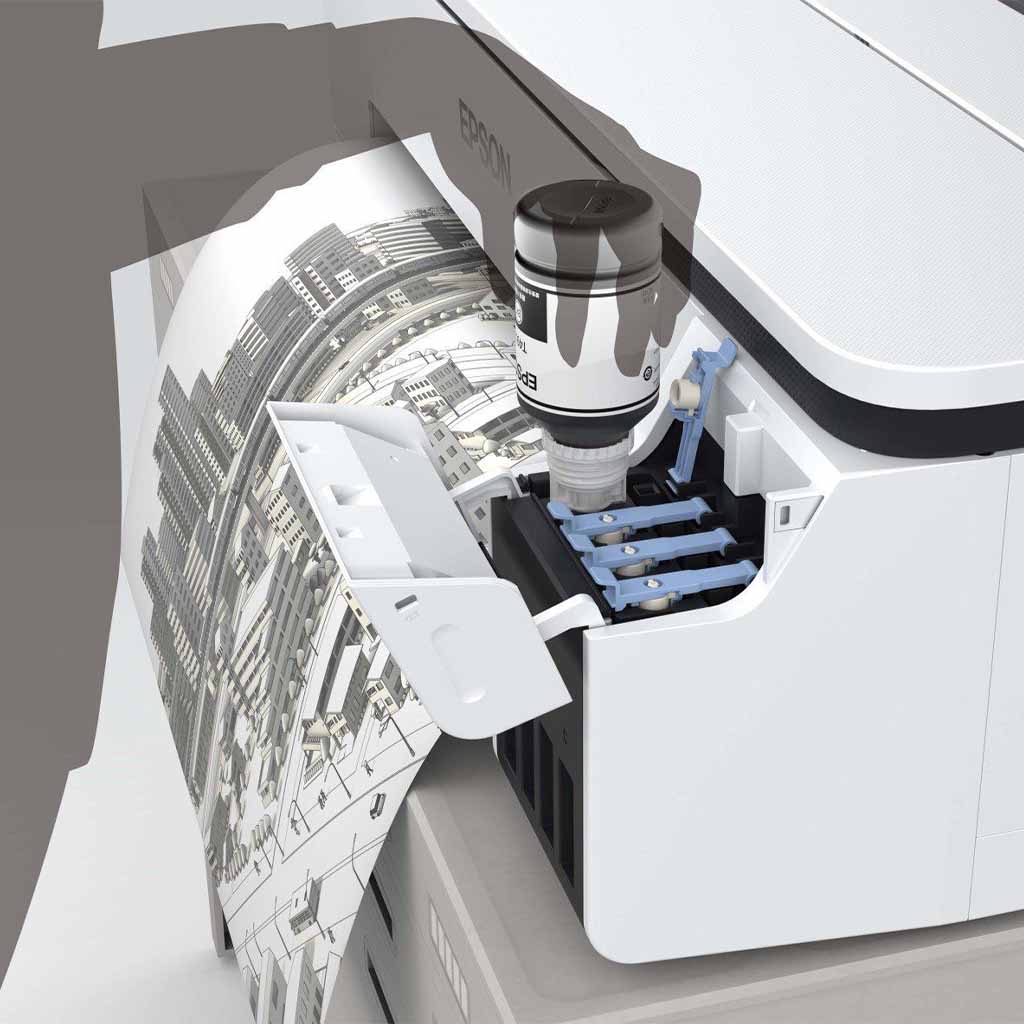
  • Low Running Costs – Ultra-low power consumption and is refilled using cost-effective bottled ink

  • Superior Reliability – Supplied with a comprehensive single-source manufacturer warranty

  • Comes with Epson Edge Print (Windows Only)

  • Max Print Area: 604mm x 30 m

📋 F560 Sublimation Printer Dimensions

📏 Product Dimensions


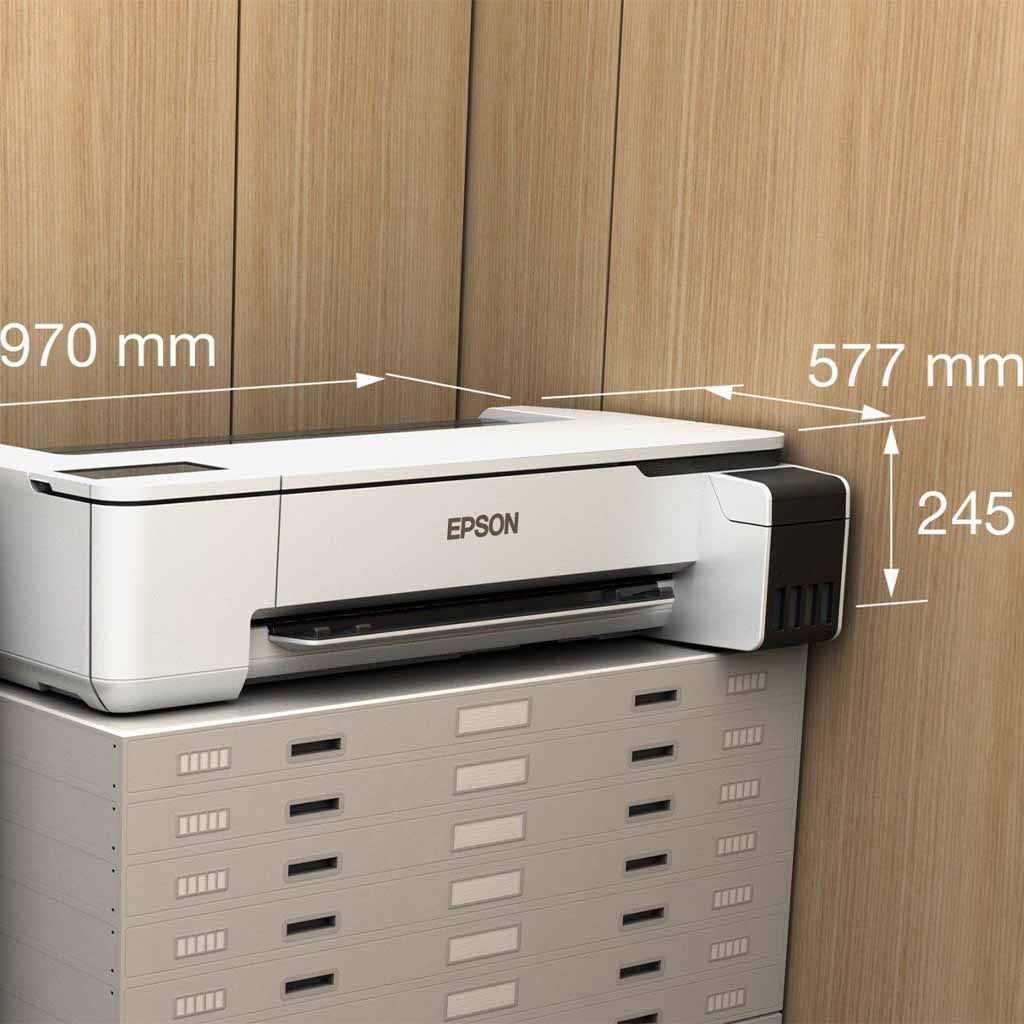
Length:27.70 Cm (+/- 5%)
Width:97.00 Cm (+/- 5%)
Height:24.50 Cm (+/- 5%)
Weight:29.00 Kg (+/- 5%)

📦 Shipping Dimensions


Length:1.00 Cm (+/- 5%)
Width:1.00 Cm (+/- 5%)
Height:1.00 Cm (+/- 5%)
Weight:40.00 Kg (+/- 5%)

📦 Machinery Footprint Dimensions


Footprint Minimum Length:103.50 Cm (+ Operation)
Footprint Minimum Width:102.00 Cm (+ Operation)
Footprint Minimum Height:39.50 Cm (+ Operation)
Footprint Maximum Length:110.00 Cm (+ Operation)
Footprint Maximum Width:100.00 Cm (+ Operation)
Footprint Maximum Height:107.80 Cm (+ Operation)

📋 F560 Sublimation Printer Includes

  • 1 x F560 Sublimation Printer

  • 2 x Ink Bottle Set

  • 2 x Maintenance Tank

  • Sample Media Pack

  • 1 x Power Cord

  • 1 x Setup Guide

  • 1 x Software & User Manual CD

  • 1 x Edge Print Software and Licence Key

📋 F560 Sublimation Printer Specifications

🎨 Colours


PrimaryCream
SecondaryBlack
AdditionalWhite
AdditionalGrey
AdditionalPlastic

🧱 Materials


PrimaryPlastic
SecondaryMetal
AdditionalElectrical Components

📄 Machine Specifications


Maximum Print Resolution2400 x 1200dpi
Maximum print width604mm
PerformanceFast Fabric 21m2/hr Standard Fabric / Fast Rigid 7.5m2/hr Max Quality 4.5m2/hr

👤 Age and Usage


Age RangeAdult
Adult ProductNo

📋 F560 Sublimation Printer Design

OUTSTANDING QUALITY

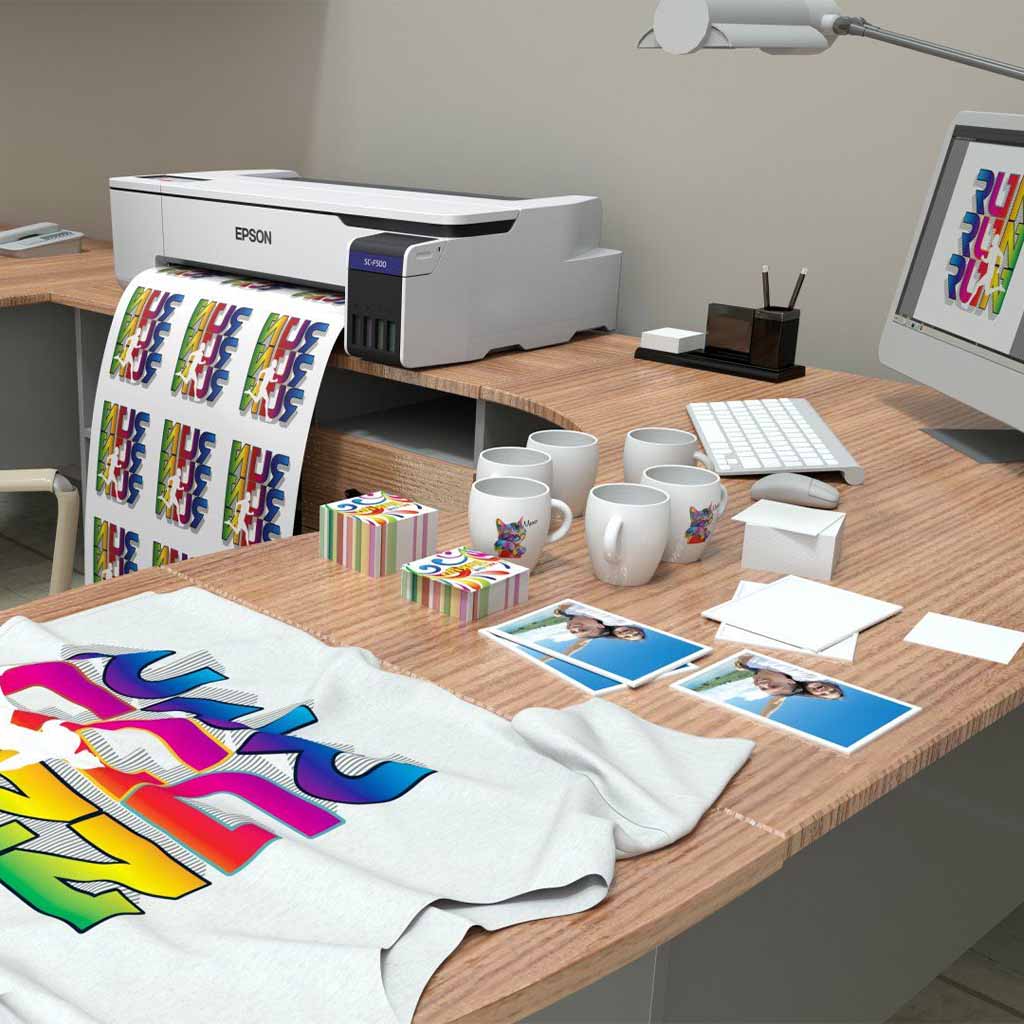
The SureColor F560 incorporates an Epson PrecisionCore™ Thin Film print head with micro-fine nozzles that enable ultra-high resolution imaging with pinpoint accuracy. Driven by Epson Precision Dot Technology it facilities precise and predictable colour with superior density, and enhanced tonal expression. The printer has a range of print modes to suit different quality levels, production speeds, and sublimation media types. It suits a wide range of applications including art and photography, hard and soft signage, short run merchandise and décor, custom fabric and clothing. The SC-F560 uses a simple 4 colour imaging system. The advanced UltraChrome Dye Sub ink works in conjunction with the print head to produce superior output with a lower production cost and enhanced mechanical reliability. When sublimated it produces a colour gamut that is equal or better than competing solutions with many more colours. It produces images with outstanding light and wash fastness, that are resistant to damage through abrasion and perspiration. When applied to polyester fabrics, the material conforms to the latest Oeko-Tex Eco Passport® standard and certified safe for use by adults, children and babies.1, 2


FLEXIBLE WORKFLOW

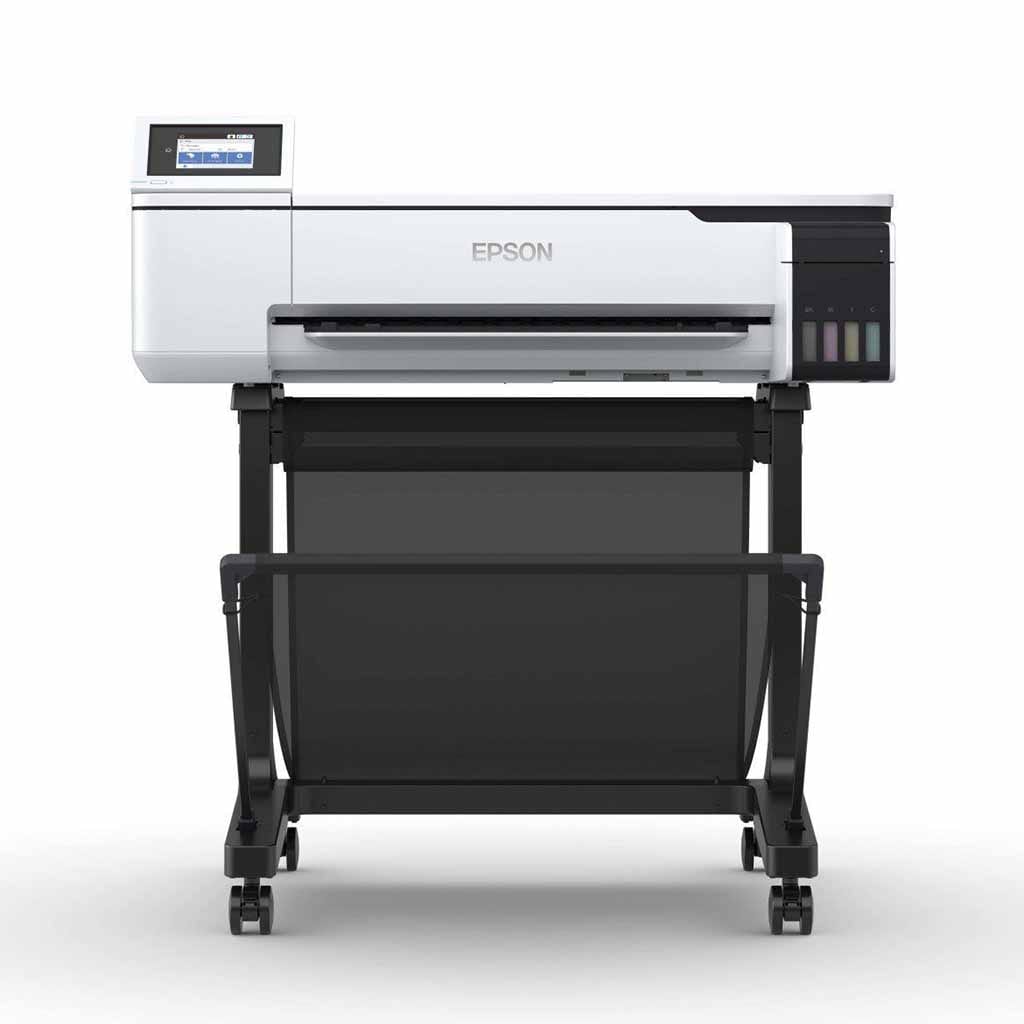
The SureColor F560 is extremely compact with a footprint that is just 0.5m2. It can be mounted on a desk with single page prints held on exit to minimise mess and spoilage. It can also be floor mounted via an optional stand that incorporates a media basket for multi-page work. It supports both sheet and roll media with a convenient A4/A3 multi-sheet feeder and auto-switching. It ships with a spindle that supports roll media up to 24″ (610mm) wide. Additional spindles can be purchased separately to facilitate easy storage with rapid roll exchange. The printer is designed to be operated in conjunction with a flat sheet or specialty merchandise heat press and incorporates a rotary auto-cutter with selectable manual and automatic operation.3 The Epson DS Fabric series has been designed for reliable and cost-effective operation. The F560 features a Continuous Ink Supply System (CISS) that can be refilled while printing is underway using inexpensive 140ml bottles. The printer can be managed via a front panel LCD with in-built help, or from a PC or Mac using the supplied driver and utility software. The engine features extremely low power consumption with sleep and standby modes to further reduce costs.


EASY TO INSTALL & CONFIGURE

Dye sublimation is designed to replace traditional screen printing. It is considerably simpler and less expensive for short to medium production runs with less labour, less materials, and less wastage. Digital imaging enables easier content creation and editing, more accurate and flexible reproduction. Production is mess-free and requires less space. Job turnaround is faster with accurate repeats able to be created at the push of a button. The process suits imaging onto fabric with a high polyester content and hard surface materials that will accept a polyester spray and withstand a moderate amount of heat and pressure. A wide range of products can be produced, including fabric banners and metal signage, custom cabinetry and sporting goods, phone covers and tablet cases, footwear (‘thongs’) and sportswear, wall decorations and home décor. The SureColor F560 runs off a standard 240V power supply and can be driven by a PC of moderate specification. The printer ships complete with ink and media. It also ships with a driver that enables operation with standard graphic software. Additional Epson Accounting software assists with cost control while optional Edge Print software enables enhanced high-precision production with PostScript control.3


Footnotes

1. Dye Sub ink is relatively delicate prior to sublimation and needs to be handled with care. Please see the specs page for further information. 2. ECO PASSPORT by OEKO-TEX® is a system by which textile chemical suppliers demonstrate that their product can be used in a sustainable textile production. Epson dye-sublimation ink is certified by the ECO PASSPORT. This is an international safety standard in the textile industry. It is certified to be safe for adults and children, including babies. For further information please see the OEKO-TEX website. 3. A PC with moderate specifications, appropriate graphic software, a suitable sublimation device, and compatible output media will be required to enable production; customers are recommended to speak with their Authorised Epson Large Format Fabric Dealer for details and options. Some software is Windows only and some applications may require internet access for download, registration, &/or periodic update. Customers who purchase a printer sourced through Epson Australia will be provided with an additional ink/media pack as well as a FREE copy of Epson Edge print. After-sales warranty and CoverPlus service is subject to a range of terms and conditions including operation within mechanical life ratings, the use of correct and genuine consumables; please see the specs page and warranty page for further information.

📋 Instructions for F560 Sublimation Printer

Usage


As expected, please refer to your user manual for more information or visit epson.com.au or the relevant product page.


Software and Installation


Please download the driver and installation software are https://www.epson.com.au/support/product/surecolor-f560 or visit the description page which provides a link.


Regular Use


Please use regularly, if left for long periods of time, the dye sublimation ink will evaporate leaving behind the dye to harden on the head surface, you will need to print a page every two weeks to keep the ink cycling through the printer.


Installation & Operation


A suitable heat press along with appropriate merchandise/fabric will be required to enable production. A proportion of the ink and the maintenance tank included with this printer will be used to ‘prime’ the machine during initial set-up. Reliable operation requires the printer be used on a regular basis and not left powered down for extended periods. The printer is not designed for mobile operation and may suffer leakage if shaken or tilted. Dye sub ink is extremely stable once sublimated however care must be taken prior; unopened bottles should be stored in a cool environment away from sunlight and installed by the best before date printed on the package. Customers should follow directions included in the user manual and with the ink, wear gloves, ensure any spilt ink is removed quickly and allow prints to dry fully before handling. For optimal results and maximum reliability ink should be consumed within one month of loading into tanks, opened bottles should be consumed within 6 months, and prints should be sublimated within a week of creation (1~2 days recommended).


Care instructions:


Please print a page that has Black, Cyan, Magenta and Yellow in it at least every two weeks, afterwards print a nozzle check and make sure there are no breaks, if you see breaks, please perform a head clean.

Additional information

Weight40 kg
Dimensions1 × 1 × 1 cm
model

Epson SC F560 Dye Sublimation Printer 1 Year Cover Plus, Epson SC F560 Dye Sublimation Printer 3 Year Cover Plus

🎬 Videos about F560 Sublimation Printer

▶️ Current Videos

Setup Walkthrough Instructions

A really good video on the unboxing and set up of the Epson F570. Don’t worry, in the USA the Epson F560 is named the F570.


Changing the maintenance box on a Epson F560

A quick video to show how simple the maintenance box is replaced on the Epson F570. Don’t worry, in the USA the Epson F560 is named the F570.


▶️ Visit our YouTube Channel

Subscribe to be notified of new videos as they are released.

📖 Warranty/Returns for the F560 Sublimation Printer

Warranty on this product is handled by Epson and we act as your intermediate. All warranty concerns should be sent to Print Geek and we will try to fix your problem. If we can not remedy your problem we will involve Epson and they will handle the repair.


Days: Various (Cover Plus Available)


Warranty/Returns Link

To find out more about the warranty/returns policy for this item Click Here.


Reviews

There are no reviews yet.

Only logged in customers who have purchased this product may leave a review.