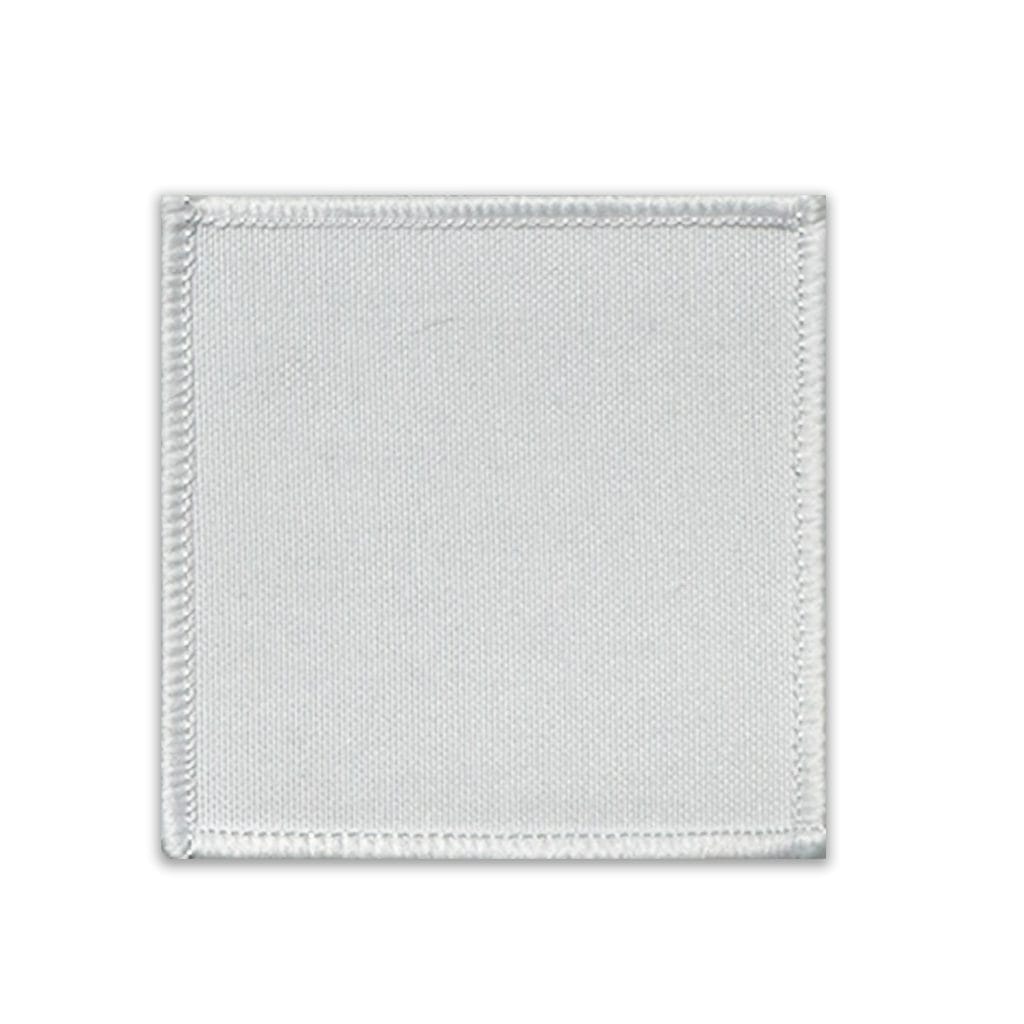
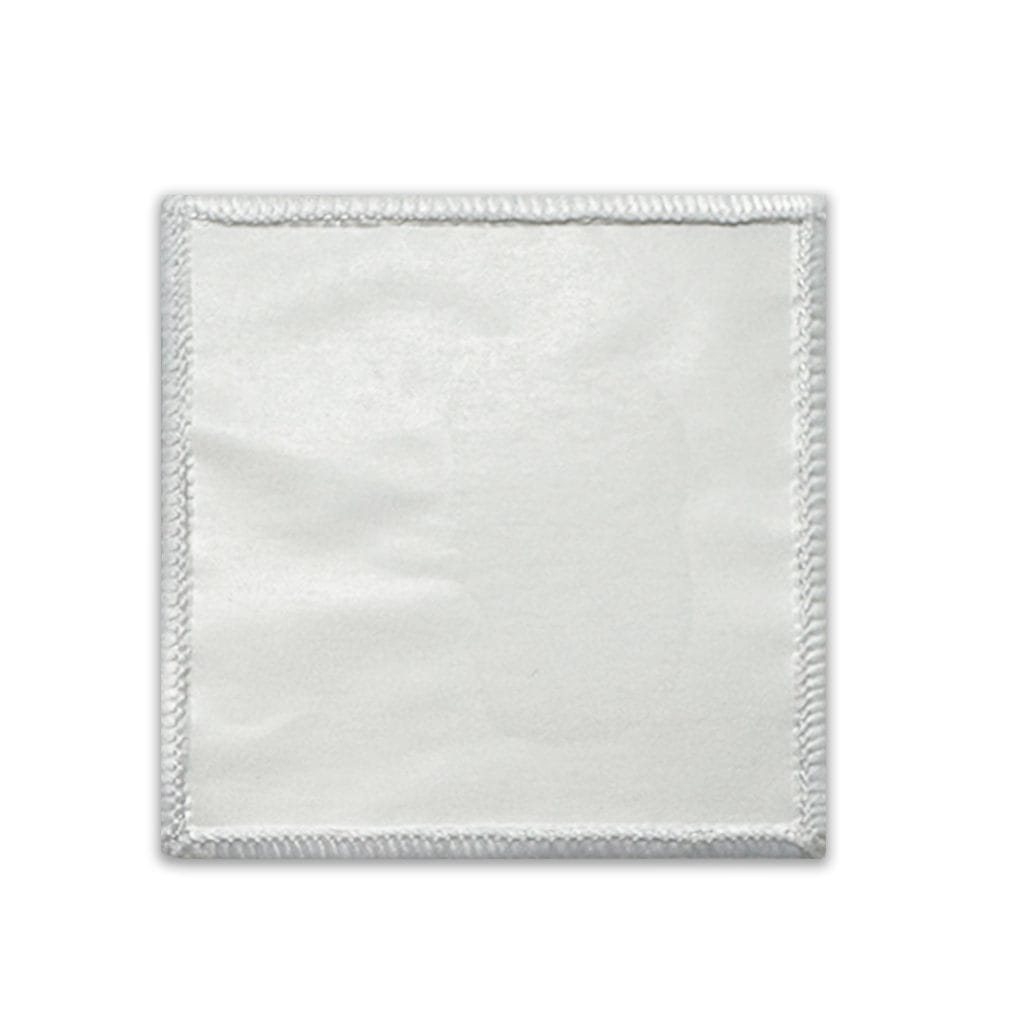
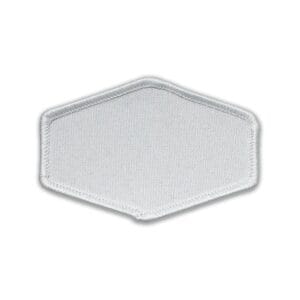
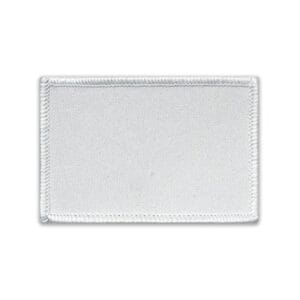
Transfer Patch Square Heat Sublimation Blank Set of 5

SKU: LPSTPP00545

Original price was: $5.95.Current price is: $3.95.

The Transfer Patch Square Set of 5 is a polyester vibrant finish sublimation blank set suitable for flat heat press decoration. Key features include Smooth polyester fibres allow for even ink transfer, enhancing colour vibrancy and detail.

37 in stock

SKU: LPSTPP00545 Categories: , , Tags: ,

Transfer Patch Square Heat Sublimation Blank Set of 5 Description

đź“– What to know about the Transfer Patch Square Set of 5

Create a personalised patch with these great products that adhere to any garment or hat. Vibrant white to ensure ultra vibrant images.


Useful Links

Click here to find out more about How to Dye-Sub on Polyester Fabric


đź“‹ Transfer Patch Square Heat Sublimation Blank Set of 5 Features

Smooth polyester fibres allow for even ink transfer, enhancing colour vibrancy and detail. ✓The white background ensures consistent colour reproduction across the entire printable area ✓Features a defined printable area surrounded by a border, creating a clean and professional framed design. ✓Suitable for use on a range of fabrics and compatible materials, expanding creative options. ✓Perfect for custom branding, team wear, personalised gifts, and DIY flair. ✓Five square patches provide versatile branding options in a uniform and balanced format. ✓Patch is designed to heat‑transfer smoothly onto textiles and compatible surfaces. ✓Edges are cleanly cut to promote smooth heat transfer and a professional final look. ✓

📏 Transfer Patch Square Heat Sublimation Blank Set of 5 Dimensions

Product Dimensions

Product Length6.50 Cm (+/- 5%)
Product Width6.50 Cm (+/- 5%)
Product Height0.10 Cm (+/- 5%)
Product Weight0.00 Kg (+/- 5%)

Shipping Dimensions

Shipping Length6.50 Cm (+/- 5%)
Shipping Width6.50 Cm (+/- 5%)
Shipping Height1.00 Cm (+/- 5%)

đź“‹ Transfer Patch Square Heat Sublimation Blank Set of 5 Includes

5 x Transfer Patch Square âś“

đź“‹ Transfer Patch Square Heat Sublimation Blank Set of 5 Specifications

🎨 Colours

PrimaryWhite
SecondaryBlack

đź§± Materials

PrimaryPolyester

đź“„ Substrate Specifications

Substrate ColourWhite
Substrate MaterialPolyester
Substrate FinishVibrant

👤 Age and Usage

Age RangeAdult
Adult ProductNo

đź“‹ Transfer Patch Square Heat Sublimation Blank Set of 5 Design

🎨 Print Areas

Print Area 1 Length58.00 mm (+/- 5%)
Print Area 1 Width58.00 mm (+/- 5%)

👤 Suggested Bleed

Bleed Left2.00 mm (+/- 5%)
Bleed Right2.00 mm (+/- 5%)
Bleed Top2.00 mm (+/- 5%)
Bleed Bottom2.00 mm (+/- 5%)
AI Artwork Prompt

Generate artwork for this product

Use this as a starting prompt when creating AI artwork for this item. The pixel sizes are calculated from this product's listed print area and bleed values at 300 DPI.

Read the AI artwork guide
Final artwork732 Ă— 732 px
Visible print area685 Ă— 685 px
OrientationSquare
Resolution300 DPI
Bleed left/right24 px / 24 px
Bleed top/bottom24 px / 24 px

Important: AI tools may ignore exact sizes, add unwanted text, create mockups or change details. Always check the downloaded final artwork before printing.

♨️ How to sublimate Transfer Patch Square Heat Sublimation Blank Set of 5

đź“‹ Materials Needed

  • Sublimation printer and sublimation ink
  • Sublimation paper
  • Heat-resistant tape
  • Flat Heat Press
  • Transfer Patch Square (Substrate)
  • Item to attach the patch to. (e.g. Hat, t-shirt, shorts.)

🔥 Flat Heat Press Settings

Temperature Min:180°C
Temperature Max:200°C
Time Min:50 Seconds
Time Max:70 Seconds
Pressure:High

📝 Preparation

  1. For templates, mock-ups and image size requirements, please refer to the Design tab.
  2. Print your design and mirror your image.
  3. Clean the substrate printing surface using a microfibre cloth or lint brush to remove dust, oils or lint.
  4. Place the substrate with the coated / printable side facing up.
  5. Secure the edges using heat-resistant tape to prevent movement.

🛠️ Flat Heat Press Pressing

  1. Set the heat press to the listed flat press settings.
  2. Place a sheet of protective paper on the press.
  3. Position the substrate and transfer correctly on the press.
  4. Cover with another sheet of protective paper.
  5. Press at the listed settings.
  6. Remove carefully when the timer has finished. The item will be hot.

❄️ Cooling and Assembly

  1. Carefully remove the substrate from the press (it will be hot).
  2. Peel off the sublimation paper while the substrate is warm for best results.
  3. Allow the substrate to cool completely.
  4. Attach or reassemble any internal mechanisms, lids or parts if applicable.

âś… Tips for Best Results

  • Ensure full edge-to-edge coverage in your design to avoid white borders (ensure bleed is sufficient).
  • If colours look dull, increase time by 5 seconds or pressure slightly.
  • If the coating looks yellowed, your temperature is too high or time too long.
  • Store substrate in a clean, dry, dust-free area before printing.
  • You press the badge at the same time as attaching to the item.
  • Align the patch and print at the same time using heat resistant tape.

🎬 Videos about Transfer Patch Square Heat Sublimation Blank Set of 5

▶️ No Current Video

No current videos are available for this product.

â–¶ Visit our YouTube Channel

Subscribe to be notified of new videos as they are released.

🛡️ Warranty & Returns

While the upmost care is taken with handling items, we do not cover the odd minor blemish which will be covered with a darker print. Please visit the link below in regards to returns or exchanges.

View Returns Policy

Returns are assessed under our returns policy and Australian Consumer Law where applicable.

Reviews

There are no reviews yet.

Only logged in customers who have purchased this product may leave a review.