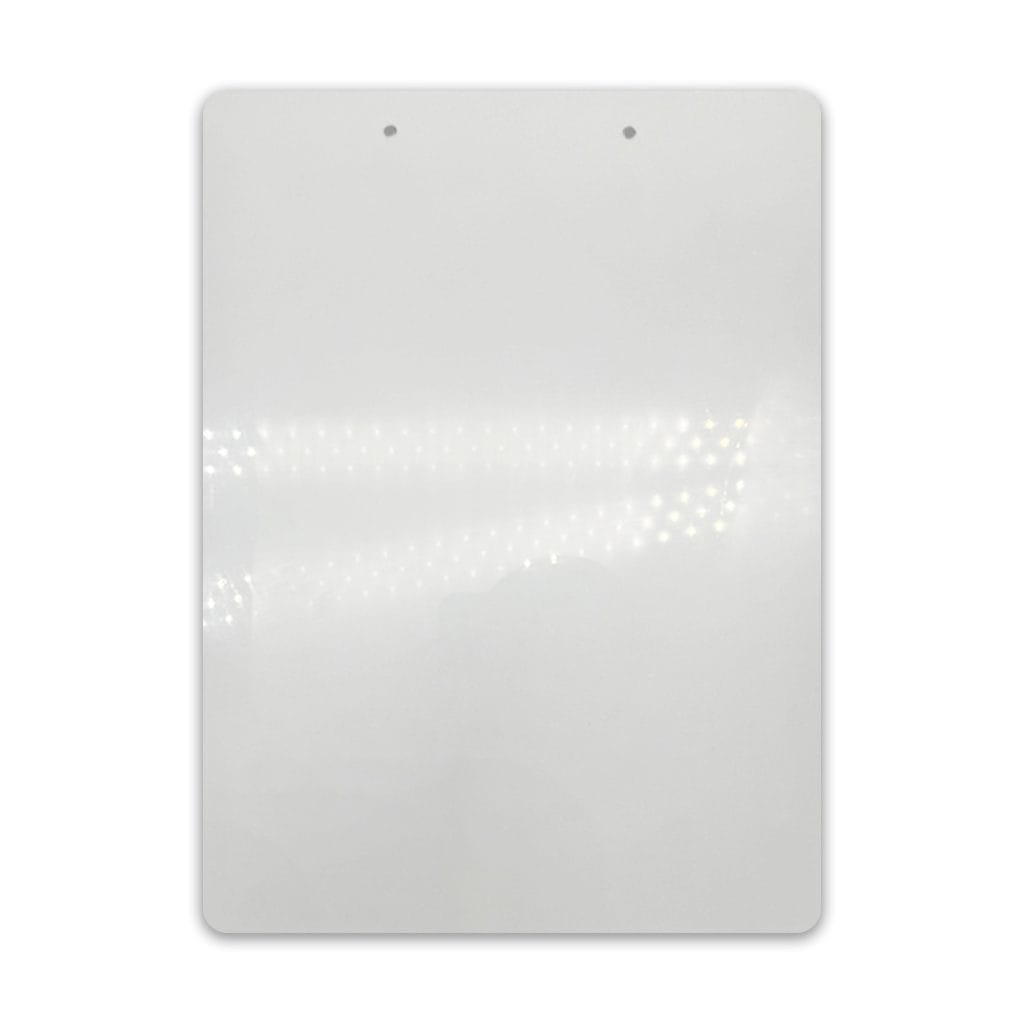
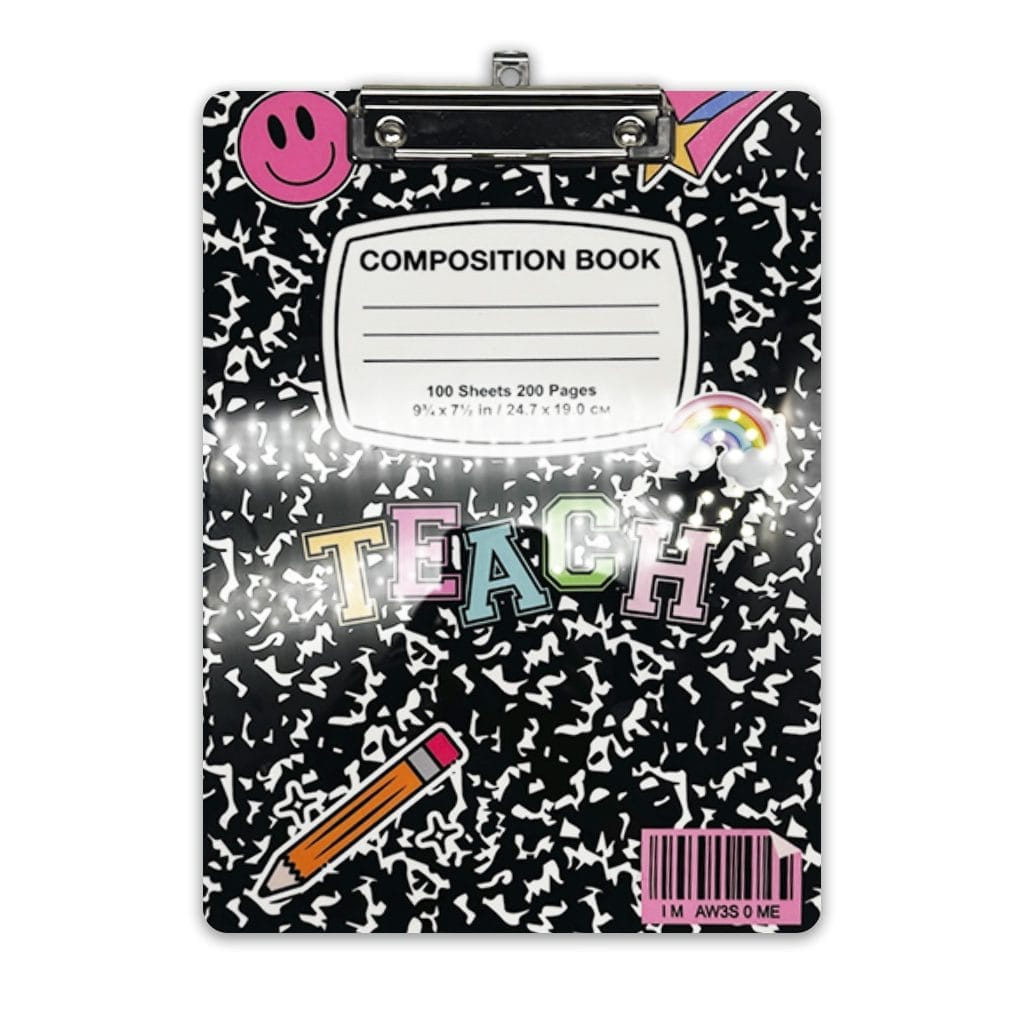
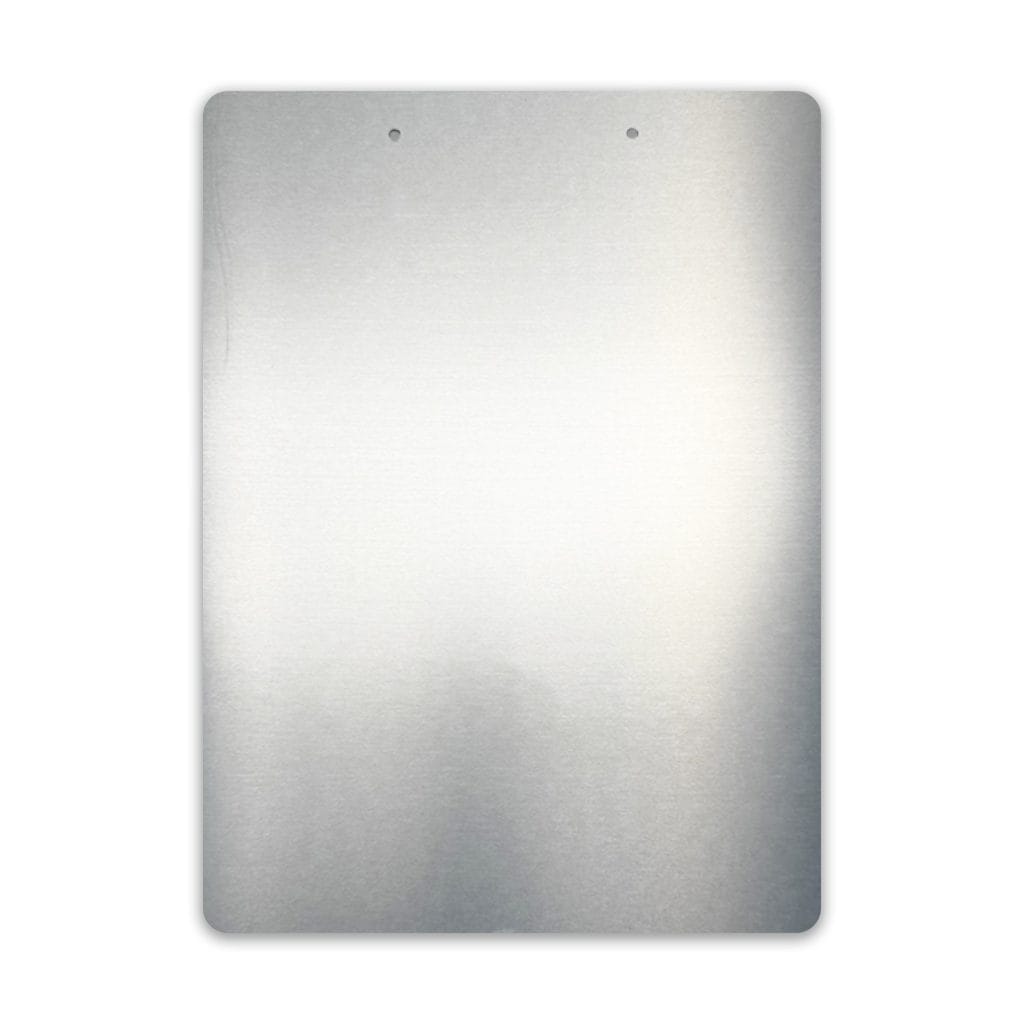
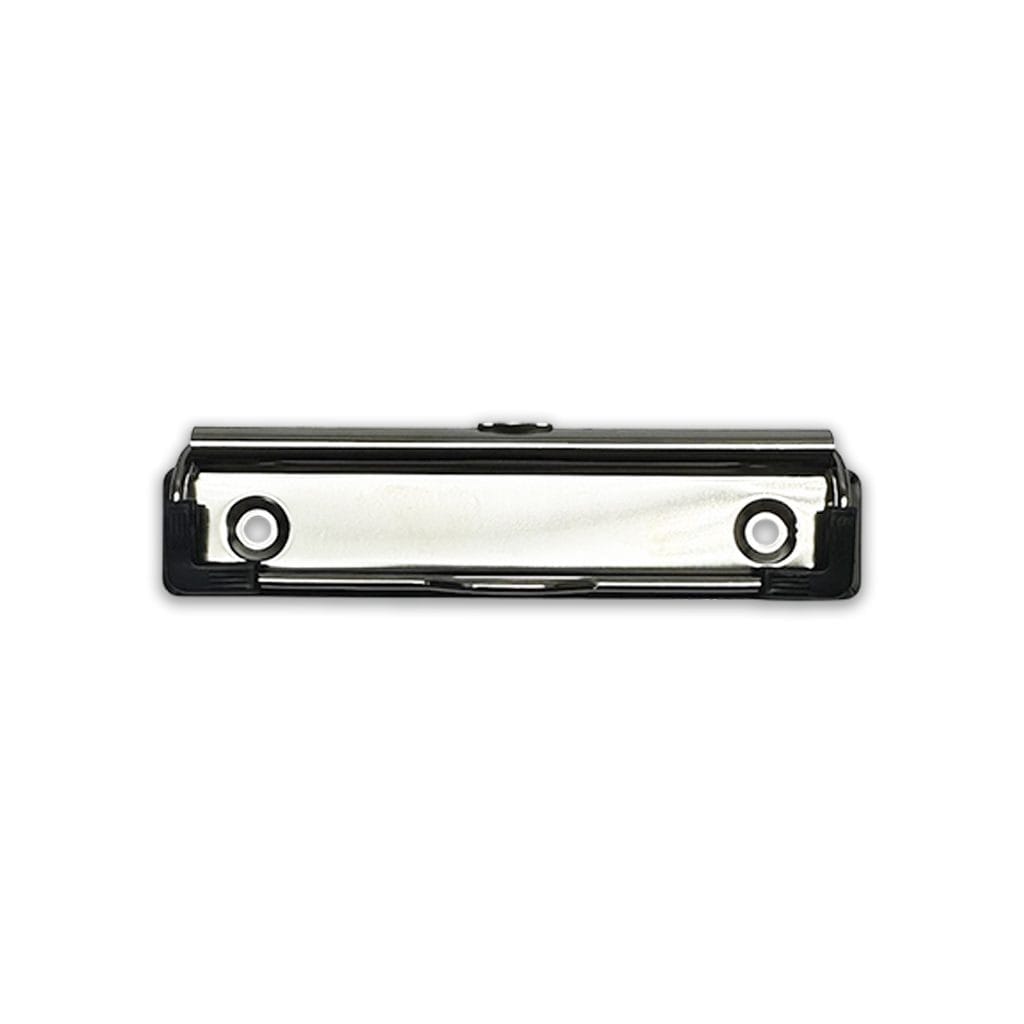
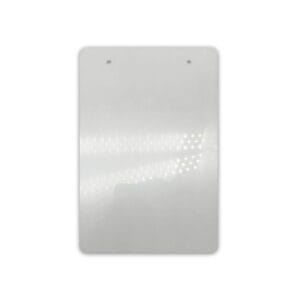
Clipboard Aluminium Large Aluminium Sublimation Blank

Original price was: $18.95.Current price is: $11.95.

Aluminium HD Clipboard Large Sublimation Blank

161 in stock

SKU: LSSCBA00102 Categories: , , , Tags: ,

Description

📖 What to know about the Clipboard Aluminium Large

Create your own custom clipboards, with a gloss white finish your designs are sure to look vibrant. Perfect for gifting or for office and business environments.

317.5 mm x 228.6 mm x 1.15 mm


Useful Links

Click here to find out more about How to Colour Engraving: Make Acrylic or Metal Projects Pop!


📋 Clipboard Aluminium Large Features

  • The ultra-smooth surface allows for even sublimation, resulting in sharper detail and cleaner image reproduction.

  • A high-brightness white surface improves visibility of fine lines and intricate artwork.

  • Designed for edge-to-edge printing, allowing your artwork to flow across the entire surface.

  • High-quality aluminium build delivers a durable structure with a clean, professional finish.

  • 1.15mm thickness provides a solid feel while remaining lightweight and easy to handle.

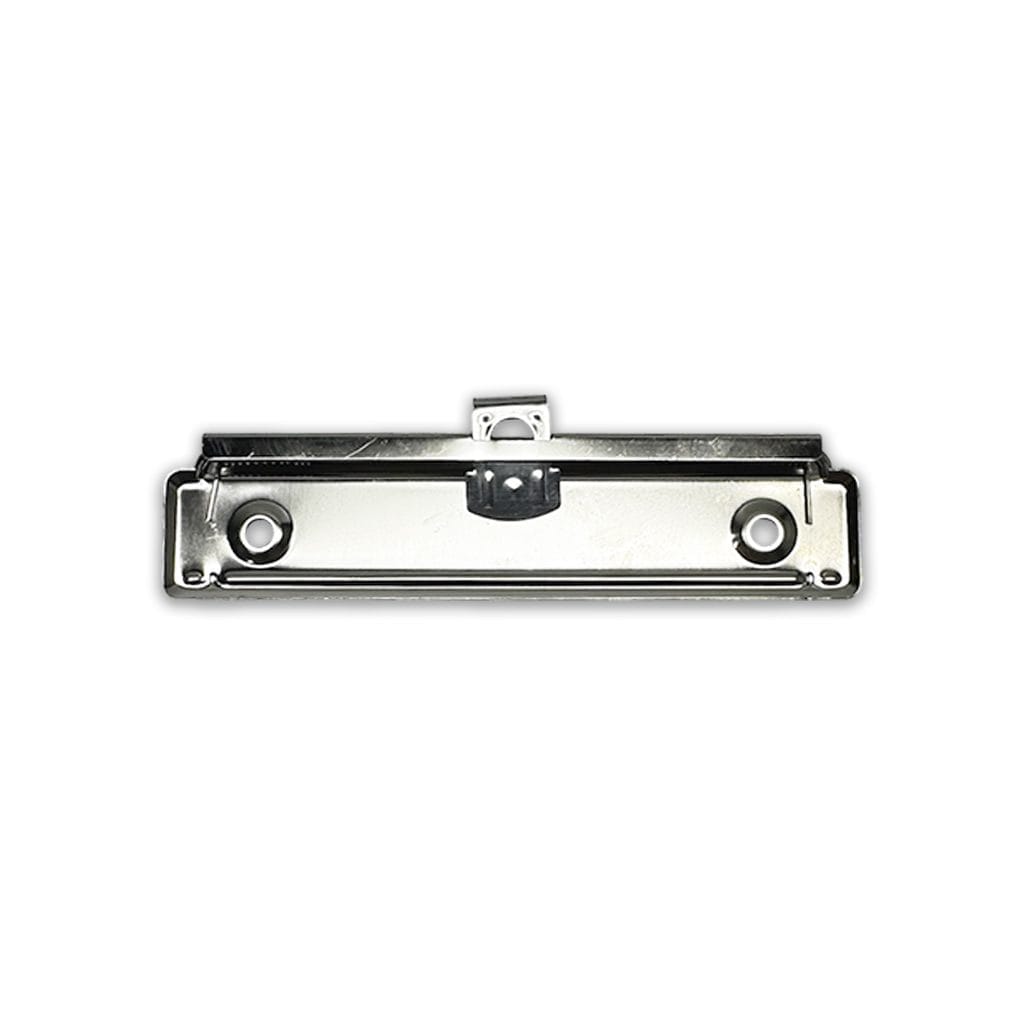
  • Spring-loaded clip system ensures stable document positioning and retention.

  • Rounded corners provide a smooth edge finish for safe and comfortable handling.

  • Includes all required components for a clean and complete assembly.

📋 Clipboard Aluminium Large Dimensions

📏 Product Dimensions


Length:31.70 Cm (+/- 5%)
Width:22.90 Cm (+/- 5%)
Height:0.10 Cm (+/- 5%)
Weight:0.22 Kg (+/- 5%)

📦 Shipping Dimensions


Length:31.70 Cm (+/- 5%)
Width:22.90 Cm (+/- 5%)
Height:0.10 Cm (+/- 5%)
Weight:0.22 Kg (+/- 5%)

📋 Clipboard Aluminium Large Includes

  • 1 x Clipboard Aluminium Large

Chained Products with this Item:

📋 Clipboard Aluminium Large Specifications

🎨 Colours


PrimarySilver
AdditionalAluminium

🧱 Materials


PrimaryAluminium

📄 Substrate Specifications


Substrate ColourWhite
Substrate MaterialAluminium
Substrate FinishGloss

👤 Age and Usage


Age RangeAdult
Adult ProductNo

📋 Clipboard Aluminium Large Design

🎨 Print Areas


Print Area 1 Length318.00 mm (+/- 5%)
Print Area 1 Width229.00 mm (+/- 5%)

👤 Suggested Bleed


Bleed Left2.00 mm (+/- 5%)
Bleed Right2.00 mm (+/- 5%)
Bleed Top2.00 mm (+/- 5%)
Bleed Bottom2.00 mm (+/- 5%)

⬇️ Download Design Templates

♨️ How to sublimate a Clipboard Aluminium Large

📋 Materials Needed

  • Sublimation printer and sublimation ink
  • Sublimation paper
  • Heat-resistant tape
  • Flat Heat Press
  • Clipboard Aluminium Large (Substrate)
  • Optional: Specialised tool for applying securing eyelet.

  • Optional: Hammer and metal surface to apply pressure for eyelets.

🔥 Flat Heat Press Settings


Temperature Min: 180°C
Temperature Max: 200°C
Time Min: 60 Seconds
Time Max: 80 Seconds
Pressure:High

(Tip: Different presses vary—start at 190°C for 70 seconds and adjust if needed.)


📝 Preparation

  1. For templates, Mock-ups and image size required, please refer to the Design tab.
  2. Print your design, mirror your image.

  3. Remove the protective cover from the sublimation surface.
  4. Clean the substrate printing surface using a microfiber cloth or lint brush to remove dust, oils or lint. (As per substrate)
  5. Place the printed image face up and align the subatrate to the centre of the print.
  6. Secure the edges using heat-resistant tape to prevent movement.

🛠️ Flat Heat Press Pressing

  1. Place a sheet of protective paper on the press.
  2. If this is your first press of the day, make sure you do a pre-press at the suggested heat press settings and bring all materials up to temperature.
  3. Flip the substrate holding the taped areas to secure.
  4. Place the substrate into the press sublimation coating face down, away from the heating element.
  5. Cover with another sheet of protective paper.
  6. Press at listed Heat Press Settings Above.

❄️ Cooling and Assembly

  1. Carefully remove the substrate from the press (it will be hot).
  2. Peel off the sublimation paper while the substrate is warm for best results.
  3. Allow the substrate to cool completely.
  4. Align the clip to the clipboard.

  5. Insert female eyelet from behind.

  6. Align and inset the male eyelet from the front through the clip.

  7. Eith use tool or apply force to secure the eyelets together.

✅ Tips for Best Results

  • Ensure full edge-to-edge coverage in your design to avoid white borders (ensure bleed is sufficient).
  • If colours look dull, increase time by 5 seconds or pressure slightly.
  • If the coating looks yellowed, your temperature is too high or time too long.
  • Store substrate in a clean, dry, dust-free area before printing.

Additional information

Weight0.215 kg
Dimensions31.7 × 22.9 × 0.1 cm

🎬 Videos about Clipboard Aluminium Large

▶️ No Current Video

No current videos are available for this product.


▶️ Visit our YouTube Channel

Subscribe to be notified of new videos as they are released.

📖 Warranty/Returns for the Clipboard Aluminium Large

While the upmost care is taken with handling items, we do not cover the odd minor blemish which will be covered with a darker print. Please visit the link below in regards to returns or exchanges.


Warranty/Returns Link

To find out more about the warranty/returns policy for this item Click Here.


Reviews

There are no reviews yet.

Only logged in customers who have purchased this product may leave a review.