📋 Product Features
Replacement plate for phone case errors ✓

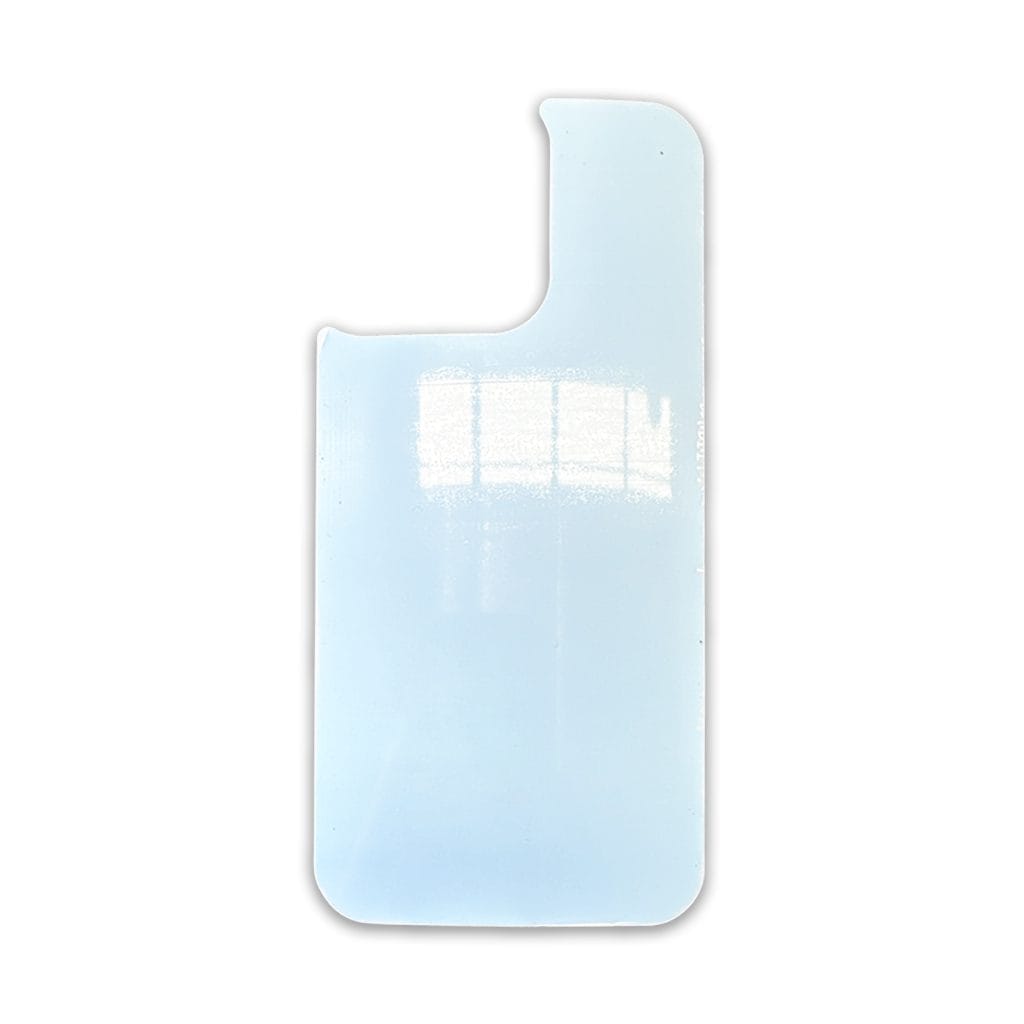
 Apple iPhone 13 STD 6.1 PVC FLEXI Insert Only
Original price was: $3.95.$1.95Current price is: $1.95.
Apple iPhone 13 STD 6.1 PVC FLEXI Insert Only
Original price was: $3.95.$1.95Current price is: $1.95. Apple iPhone 13 PRO MAX 6.7 PVC FLEXI Insert Only
Original price was: $3.95.$1.95Current price is: $1.95.
Apple iPhone 13 PRO MAX 6.7 PVC FLEXI Insert Only
Original price was: $3.95.$1.95Current price is: $1.95.Original price was: $3.95.$1.95Current price is: $1.95.
-51%Apple iPhone 13 PRO 6.1 FLEXI Insert Only
23 in stock
Replacement plate for phone case errors ✓
This insert is a replacement insert for the cases that Sublimation Supplies sell, they will not fit most other cases, it allows you to either trial prints or replace a failed sublimation case blank, we suggest for first time case sublimators to purchase 1 extra insert just in case an error occurs.
📏Product Dimensions | 📦Shipping Dimensions | |
|---|---|---|
Length | TBA cm | 14.7 cm |
Width | TBA cm | 7 cm |
Height | TBA cm | 0.001 cm |
Weight | TBA kg | 0.01 kg |
Temperature: 180–200°C
Time: 60–80 seconds
Pressure: High
(Tip: Different presses vary—start at 190°C for 70 seconds and adjust if needed.)
| Weight | 0.01 kg |
|---|---|
| Dimensions | 14.7 × 7 × 0.001 cm |
No current videos are available for this product.
Subscribe to be notified of new videos as they are released.
Only logged in customers who have purchased this product may leave a review.
Apple iPhone, Phone Cases, Sublimation Blanks, TPU-PC-Aluminium
Original price was: $9.95.$5.95Current price is: $5.95. Add to cartPhone Cases, Samsung Galaxy, Sublimation Blanks, TPU-PC-Aluminium
Original price was: $9.95.$5.95Current price is: $5.95. Add to cartPhone Cases, Samsung Galaxy, Sublimation Blanks, TPU-PC-Aluminium
Original price was: $9.95.$5.95Current price is: $5.95. Add to cartApple iPhone, Phone Cases, Sublimation Blanks, TPU-PC-Aluminium
Original price was: $9.95.$5.95Current price is: $5.95. Add to cart
Reviews
There are no reviews yet.