📖 What to know about the Electric USB Lighter
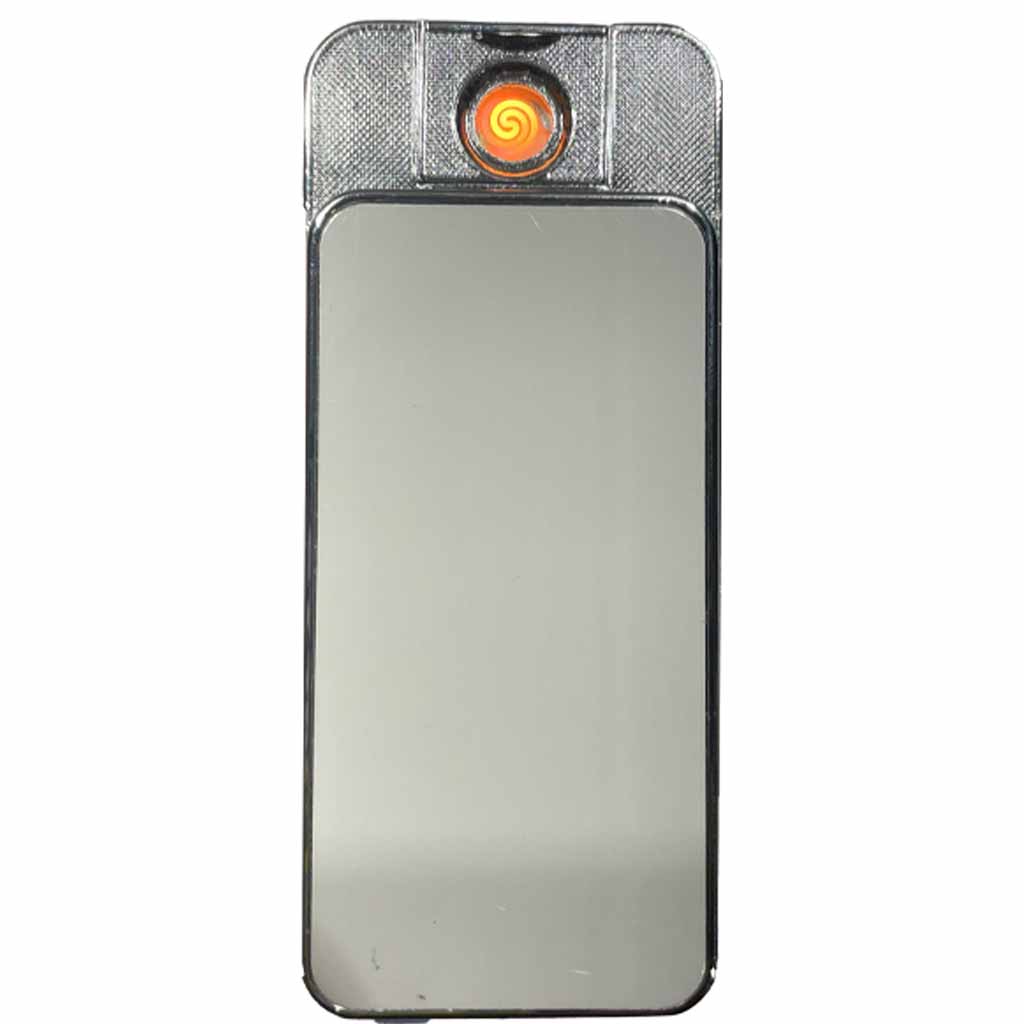
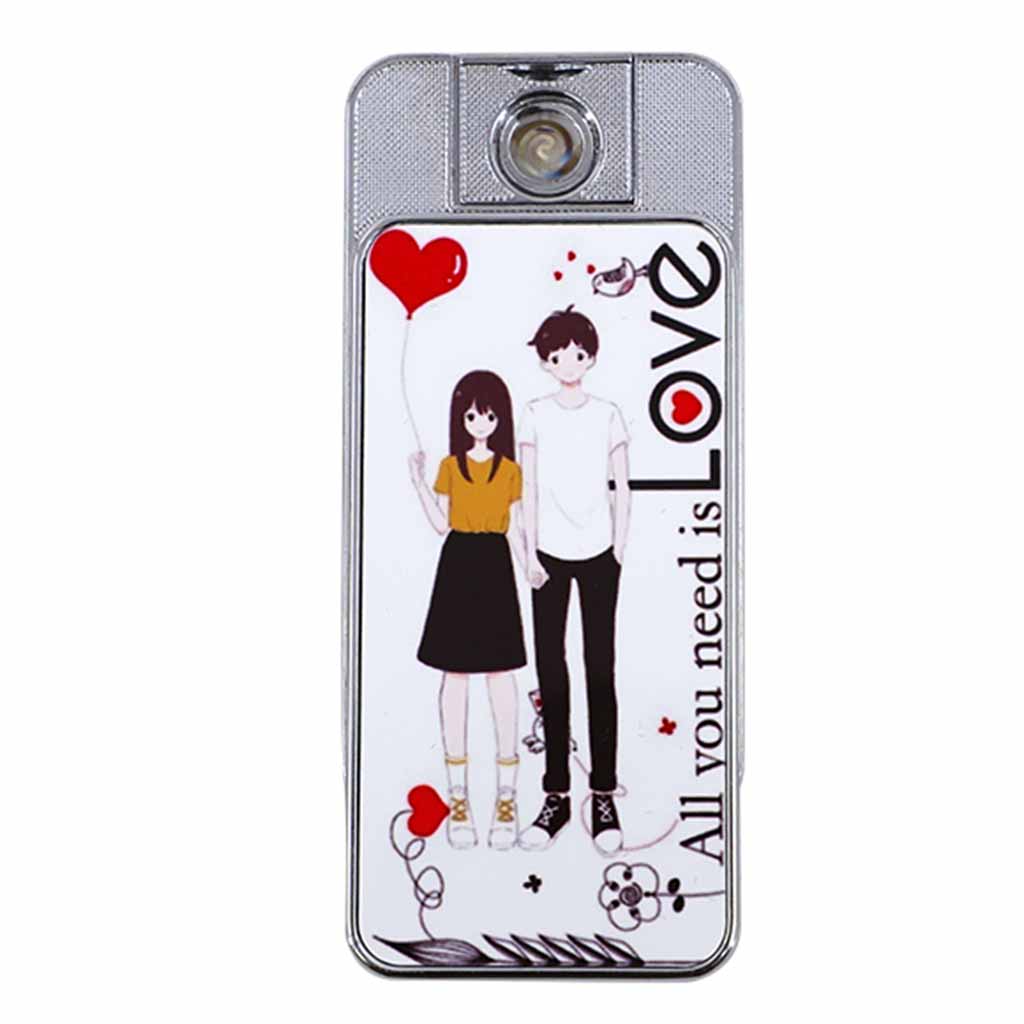
Create a personalised cigarette lighter with this great sublimation blank USB charging lighter.

 Cufflinks Round Aluminium Sublimation Blank Set of 2
Original price was: $3.95.$1.95Current price is: $1.95.
Cufflinks Round Aluminium Sublimation Blank Set of 2
Original price was: $3.95.$1.95Current price is: $1.95. Keyring Cow Tag MDF Sublimation Blank
Original price was: $2.95.$1.95Current price is: $1.95.
Keyring Cow Tag MDF Sublimation Blank
Original price was: $2.95.$1.95Current price is: $1.95.Original price was: $19.95.$12.95Current price is: $12.95.
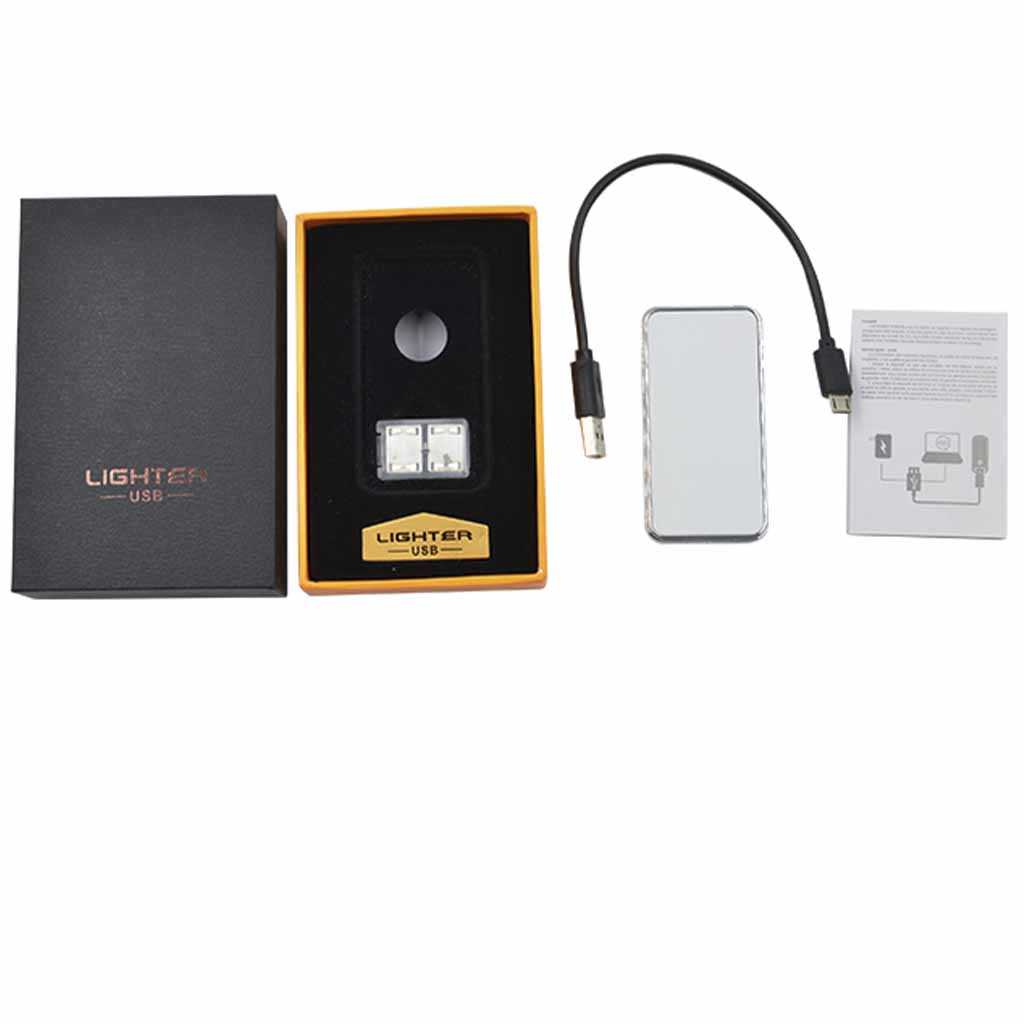
-35%High quality USB Lighter Sublimation Blank. Double sided for sublimation, they look great and come with gift packaging, usb charge cable and spare element.
259 in stock
Create a personalised cigarette lighter with this great sublimation blank USB charging lighter.
| Length: | 7.20 Cm (+/- 5%) |
| Width: | 3.70 Cm (+/- 5%) |
| Height: | 0.90 Cm (+/- 5%) |
| Weight: | 0.09 Kg (+/- 5%) |
| Length: | 12.00 Cm (+/- 5%) |
| Width: | 8.00 Cm (+/- 5%) |
| Height: | 3.00 Cm (+/- 5%) |
| Weight: | 0.16 Kg (+/- 5%) |
| Primary | Silver |
| Secondary | White |
| Additional | Metal |
| Primary | Metal |
| Secondary | Electronics |
| Substrate Colour | White |
| Substrate Material | Aluminium |
| Substrate Finish | Gloss |
| Age Range | Adult |
| Adult Product | No |
| Temperature Min: | 180°C |
| Temperature Max: | 200°C |
| Time Min: | 60 Seconds |
| Time Max: | 80 Seconds |
| Pressure: | High |
(Tip: Different presses vary—start at 190°C for 70 seconds and adjust if needed.)
| Weight | 0.155 kg |
|---|---|
| Dimensions | 12 × 8 × 3 cm |
No current videos are available for this product.
Subscribe to be notified of new videos as they are released.
While the upmost care is taken with handling items, we do not cover the odd minor blemish which will be covered with a darker print. Please visit the link below in regards to returns or exchanges.
To find out more about the warranty/returns policy for this item Click Here.
Only logged in customers who have purchased this product may leave a review.





Reviews
There are no reviews yet.